
Guide
Best AI Medical Scribe 2026: A Clinic Buyer’s Guide
There is no single best AI medical scribe, there is the one that fits your EMR, your note style and your privacy obligations. For Canadian clinics, the short list starts with vendors pre-qualified for Canada Health Infoway's AI Scribe Program, and the decision comes down to seven checks: EMR connection depth, clinician review, privacy documents, forms, languages, the real monthly price, and a trial on your own visits. This Scribeberry guide walks through each check and the public prices of the Canadian options.
The short answer
If you chart in a Canadian EMR, start with Scribeberry: it is pre-qualified for Canada Health Infoway's national AI Scribe Program (announced May 8, 2025), stores Canadian data in Canada, connects to Accuro through the official marketplace API, and costs $99/month per provider with notes, dictation, templates and PDF form filling included. The honest caveat: every vendor on the Canadian shortlist handles the basics. Where they differ is how the note gets into your chart, what happens beyond the note, and what you actually pay.
Do not buy from a demo. Run the same three encounters through any tool you trial: a routine visit, a complex medication review, and a form you complete every week. Count the edits and the steps to file the note. That test predicts your experience better than any feature list.
What to look for: seven checks
1. EMR connection depth. Ask exactly how the note reaches the chart: a native API (Accuro), a browser extension that pushes into fields (OSCAR Pro, Jane, TELUS CHR), an in-chart launch (TELUS Health desktop EMRs), desktop dictation, or copy and paste. Deeper connections mean fewer steps per note, multiplied by every patient you see.
2. Clinician review before filing. The draft should wait for your edit and signature. Nothing should enter the chart unreviewed, and you should be able to see what the tool changed.
3. Privacy you can document. Canadian clinics need published privacy documents, not promises: a privacy impact assessment, a security assessment, a BAA or equivalent terms, and a plain answer on where data is stored and whether it trains models. Scribeberry publishes these on its security page and stores Canadian customer data in Canada.
4. Work beyond the note. Referral letters, disability and insurance forms, and patient instructions are where the hours go. PDF form filling from the encounter is the difference between a transcription tool and a documentation workflow.
5. Languages your patients speak. French support matters in Canada, including onboarding and support, not just transcription. Scribeberry works in 40+ languages and was pre-qualified with French language capabilities assessed.
6. The real monthly price. Compare the unlimited tier, per provider, in Canadian dollars, and ask whether EMR connections cost extra. Scribeberry Pro is $99/month ($999/year) with integrations included; the trial is 3 days unlimited, then 20 uses a month.
7. Proof before commitment. A usable free tier or short trial on your own templates, plus public pricing, tells you more than a sales call. Every vendor in the shortlist below publishes prices; treat quote-only pricing as a cost in itself.
The Canadian shortlist and public prices
Public per-provider prices, from vendor pricing pages in October 2026 (confirm before you buy): Scribeberry Pro $99/month. Tali AI Pro $150/month, with a Starter tier at $60 to $68 limited to 40 scribes a month. Empathia Premium $50/month on annual billing ($75 monthly). Mika AI from $49/month. AutoScribe $75 to $99/month. CareWay $135 to $149/month. Pippen about $67/month on its annual plan.
All of these are Canadian companies that store Canadian data in Canada, so residency alone does not separate them. Run the seven checks instead: connection depth to your specific EMR, what the tool does after the note (forms, referrals, intake), and the unlimited-tier price. That is where the list narrows, and it is the comparison this guide is built around.
How to compare AI scribes
Start with the work you do each day: encounter notes, referral letters and forms. Compare how each tool captures the visit, organizes your template and brings the reviewed note into your EMR.
Include data storage and subscription cost in your decision. Scribeberry combines Canadian storage with published plans for individual clinicians and care teams.
Scribeberry: notes, dictation and forms together
Capture a visit, dictate a note or fill a PDF in Scribeberry. Pro costs $99/month or $999/year. Trial Mode includes three unlimited days followed by 20 uses per month.
Scribeberry is a Canada Health Infoway pre-qualified vendor. French language support, technical support and onboarding help French-speaking teams get started.
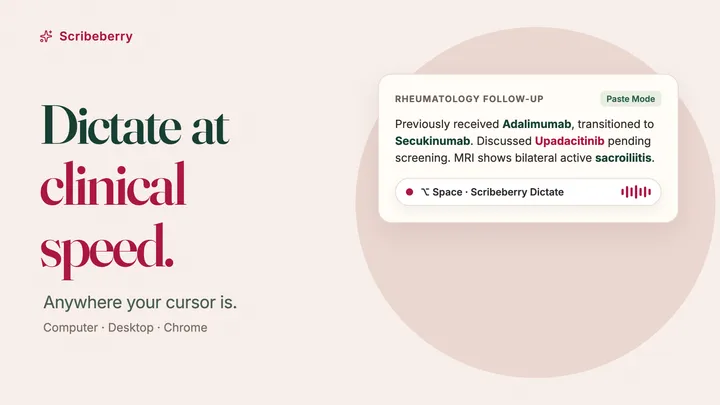
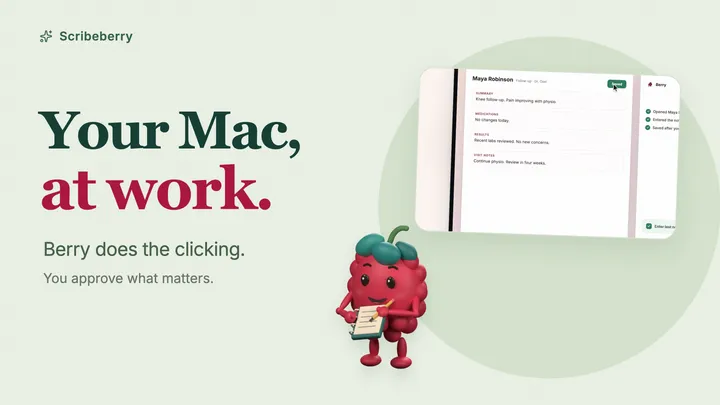
Keep the EMR you already use. Bring your notes into the chart with Scribeberry’s desktop app or Chrome extension. Accuro clinics can also use the native REST API to import chart context and send notes back.
Bring your notes into your EMR
Use the Chrome extension alongside your browser chart, or dictate into an editable note field with the desktop app. You can also copy and paste a reviewed note.
For Accuro, the API brings patient context into Scribeberry and sends finished notes back to the chart. OSCAR Pro and Jane use Smart Pull and Smart Push through the Chrome extension.
On Epic or Cerner workstations, use the desktop app to dictate into note fields while keeping your existing charting workflow.
Comparing Scribeberry with other AI scribes
If you are comparing Scribeberry with Heidi, start with your everyday notes and forms. Scribeberry combines ambient capture, dictation, custom templates and PDF form filling, so you can try those tasks in one place.
Canadian teams can also consider Scribeberry’s Infoway pre-qualification, Canadian data storage and French onboarding. The source links below provide supporting program information.
Use the same encounter and template when comparing drafts. Review the clinical details, the edits you make and the steps needed to save the final note.
Canadian storage and control over transcripts
Your data is stored in Canada, encrypted in transit and at rest, and never used for AI training. Scribeberry does not retain audio. Transcripts remain until you delete them, with configurable retention.
The security page brings together the privacy policy, BAA, privacy impact assessment and security assessment.
Try your everyday documentation tasks
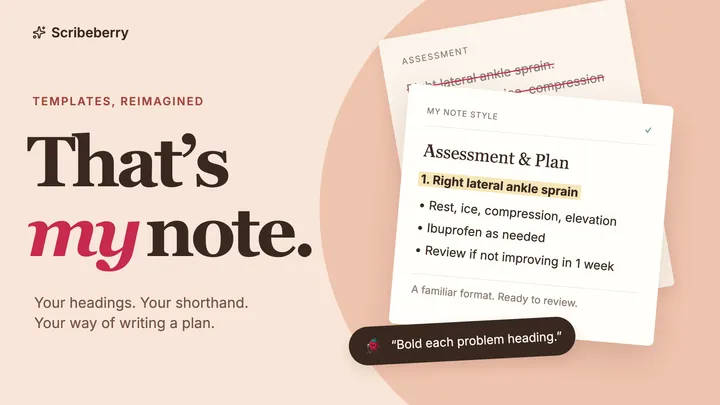
Choose a routine visit, a medication review and a form you regularly complete. Use your familiar note template to see how Scribeberry organizes each draft.
Review the history, medication details, assessment and follow-up plan, then bring the note into your EMR. Include editing and chart entry when measuring your documentation time.
Compare the subscription cost with the time you spend completing notes and forms during your trial.
Your next step
Start a Scribeberry trial with a template you already use. Try ambient capture, dictation and PDF form filling, then review and save your work in your EMR.
Follow your EMR’s setup guide or ask the Scribeberry team for a walkthrough. The links below cover connections, privacy documents and the patient consent workflow.
Built for Canadian clinic workflows
Keep the EMR you already use. Bring your notes into the chart with Scribeberry’s desktop app or Chrome extension. Accuro clinics can import chart context and send finished notes through the native API. Explore EMR workflows.
Scribeberry supports French notes, technical support and onboarding, along with custom templates and patient and referral summaries. See the program feature matrix.
Turn the visit into a draft, review the clinical details and bring the finished note into your chart. Use the same encounter to prepare a referral summary or fill a PDF form.
Your data is stored in Canada, encrypted in transit and at rest, and never used for AI training. Audio is not retained. Transcripts remain until deleted, with configurable retention. Read about privacy and security.
Scribeberry is an Infoway pre-qualified vendor. Pro costs $99/month or $999/year. Start with three unlimited trial days, then continue with 20 uses per month. View plans.
Frequently asked questions
What should a clinic look for when choosing an AI medical scribe?
Seven checks: how the note reaches your chart (native API, extension, in-chart launch, or dictation), whether a clinician reviews before filing, published privacy documents and data residency, work beyond the note such as PDF forms, the languages your patients speak, the real unlimited-tier price in Canadian dollars, and a trial on your own visits. Scribeberry is pre-qualified for Canada Health Infoway's AI Scribe Program, connects to Accuro through the official marketplace API, and costs $99/month with integrations included.
How does Scribeberry work with my EMR?
Bring notes into your existing chart with the desktop app or Chrome extension. Accuro also has a native API connection for chart context and note transfer, and TELUS Health desktop EMRs offer a chart-launch workflow.
Where does Scribeberry store my data?
Your data is stored in Canada and never used for AI training. It is encrypted in transit and at rest. Audio is not retained. Transcripts remain until deleted, with configurable retention.
How do I review an AI-generated note?
Read the draft, edit the clinical details and follow-up plan, then save the reviewed note to your patient’s chart before sign-off.
Which AI scribe should a Canadian clinic try first?
Start with Scribeberry for ambient notes, dictation, custom templates and PDF form filling in one workflow. Canadian data storage, Infoway pre-qualification and French support make it a practical choice for Canadian teams.
Can I use Scribeberry with Epic?
Yes. Use Scribeberry’s desktop app to dictate into Epic note fields.
How much does Scribeberry cost?
Pro costs $99/month or $999/year. Trial Mode includes three unlimited days followed by 20 uses per month. See the pricing page for team plans.
What should I try during the free trial?
Try an encounter note, a referral letter and a PDF form you regularly complete. Review each draft and bring it into your usual charting workflow.
Related pages
AI medical scribe
How Scribeberry drafts, you review, and the note reaches your EMR.Heidi Health alternative
Canada-built AI scribe compared with Heidi, using public facts only.Scribeberry pricing
Free trial, Pro $99/mo, Enterprise from $79/user.AI scribe for Canada
PIPEDA, Infoway, and Canadian EMR integrations.EMR integrations
Oscar, Jane, Plexia, Epic, Cerner, and more.More guides
How much does an AI medical scribe cost?
AI medical scribe pricing in 2026: free tiers, $99/month plans, and quote-only enterprise tools like Dragon Copilot (DAX). Plus hidden costs and ROI math.Cost of AI in healthcare
A clinician's guide to the real cost of AI in healthcare: licenses, integration, privacy, and ROI math.What is an AI medical scribe?
An AI medical scribe listens to clinical encounters and drafts structured notes. Here's how it works, where it helps, and what to watch for.How does an AI medical scribe work?
Step by step: how an AI medical scribe captures the visit, transcribes audio, drafts a structured note, and hands it to the clinician to review and sign.Will AI replace medical scribes?
Will AI replace medical scribes? For most outpatient settings, yes. Here's where AI wins, where human scribes still matter, and what the next 5 years look like.Patient consent for AI medical scribes
Prepare your AI scribe consent workflow with sample patient language, documentation steps and a downloadable consent template.Choosing an AI scribe for multiple specialties
What a multispecialty clinic should test in an AI scribe: specialty templates, terminology, languages, letters and forms, and EMR fit. Plus a pilot plan.How AI scribes send structured notes to your EMR
The four ways an AI scribe gets a structured note into an EMR: official API, browser extension, launch from the EMR, and desktop entry. EMR-by-EMR table.Recent blog posts
Latest blog posts on AI medical scribes, clinical documentation, and practical workflows.