Meet Berry.Agentic AI for healthcare. Made in Canada.A lighter clinic day.See how providers use Berry
Berry typing on a laptop
A visit, start to noteWatch the full demo

AI medical scribe for Canadian clinicians

Every visit. Charted.

Scribeberry writes the note in your template, fills the forms that follow and sends it all back to your EMR.
In English, French and 40+ languages.

Start with 3 days unlimited, then 20 free uses a month. No credit card.

All of it.
In one place.

Charting, forms, your EMR, languages and the front desk. Each feature links to the details.

Core Charting

Listen, dictate, or upload audio. Scribeberry turns the encounter into a structured note in your template.

Forms & Templates

Canadian forms filled from the visit, and templates that match how you already write.

EMR Integration

Pull chart context in, push the reviewed note back: Accuro API, Chrome extension, or desktop app.

AI Tools

Ask questions of the chart, look up billing codes, and let Scribeberry remember how you write.

Language & Communication

40+ languages, French included, for the visit, the note, and the patient in front of you.

Practice Management

Patients, groups, tasks and front-office agents, set up the way your clinic already works.

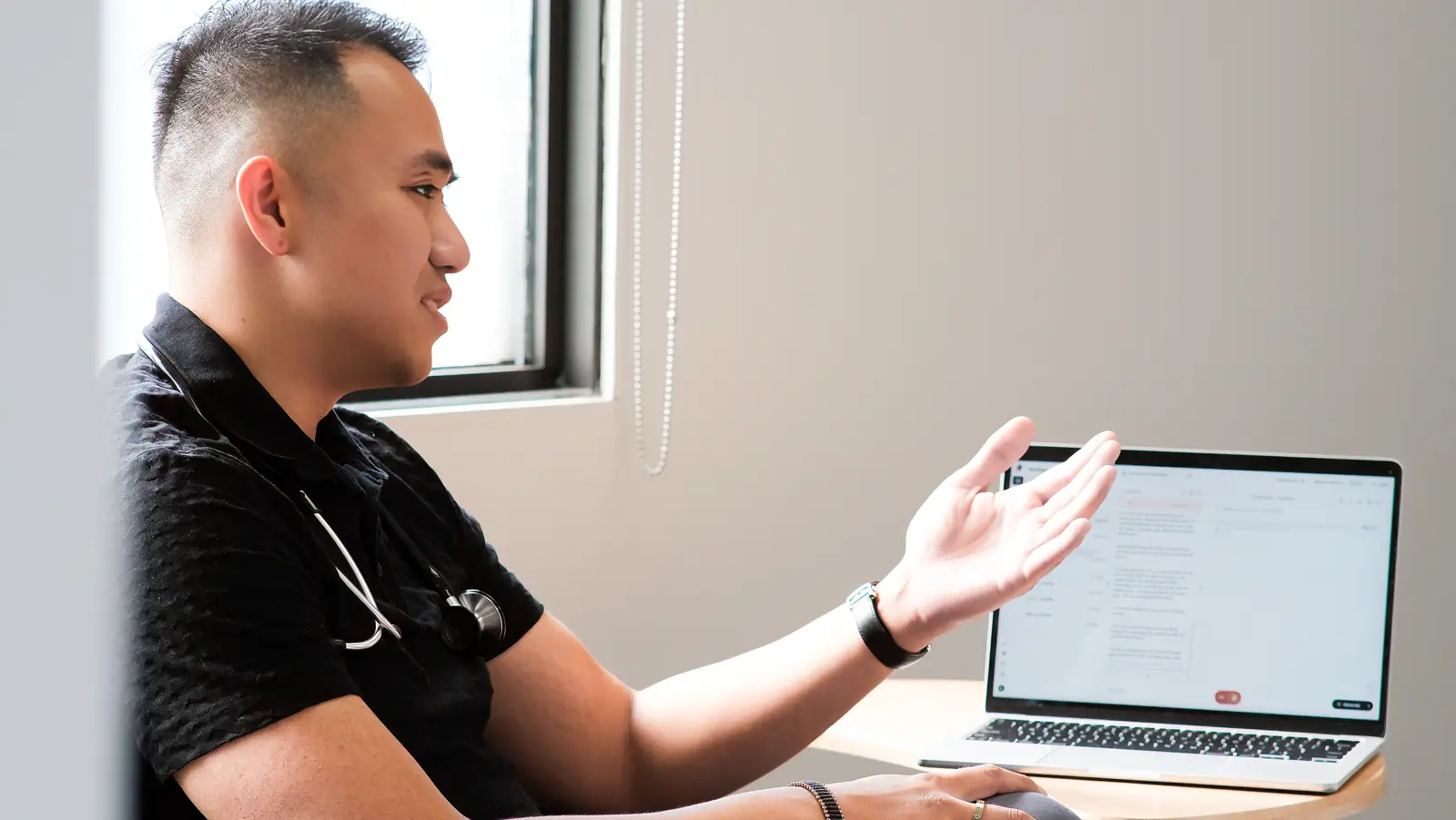
A clinician talking with a patient, Scribeberry open on the laptop beside him
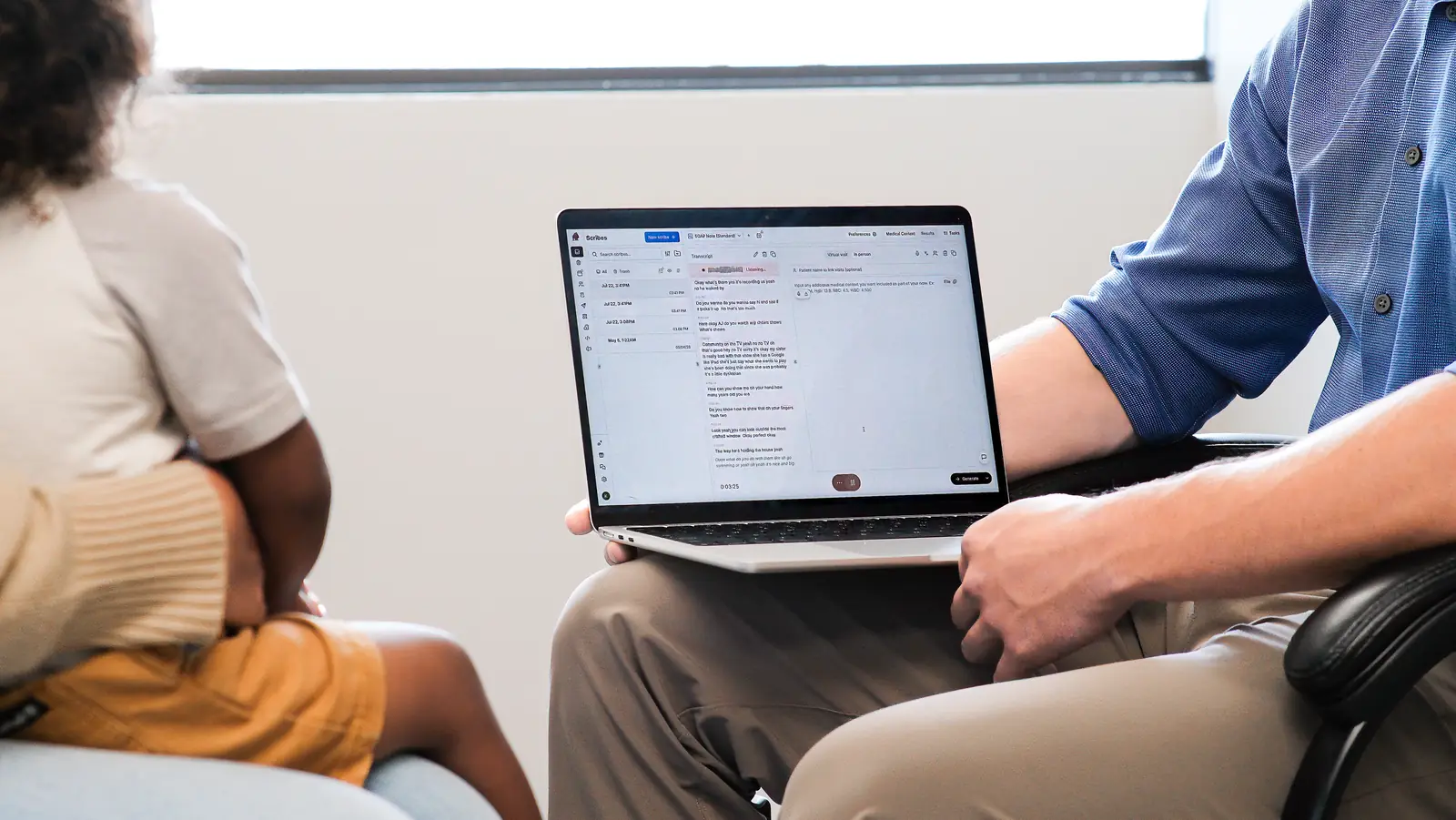
A clinician holding a laptop with a Scribeberry note during a family visit
Scribeberry drafting a note on a laptop on the consult room table
You talk with your patient. Scribeberry writes the note on the laptop beside you.

From the visit to the chart

One visit.
Four jobs done.

Write the note. Fill the form. Pull from the chart and push back. In the language your patient speaks.

Write the note01

The note. Already written.

Scribeberry listens to the visit and drafts the note in your template, ready for your review.

“Record this visit as a SOAP note.”

ScribeberryWeb app
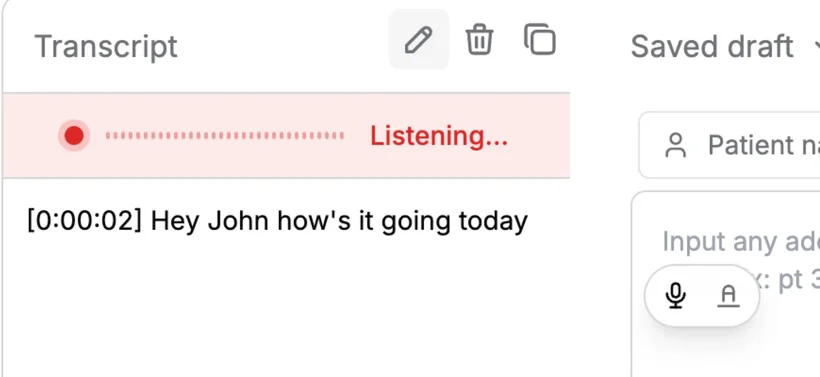
Scribeberry transcript panel, listening to a visit.
Listening to the visit

The transcript builds as you talk with your patient.

Fill a form02

The form. Filled from the visit.

Pick a Canadian form and Scribeberry completes the fields from your encounter.

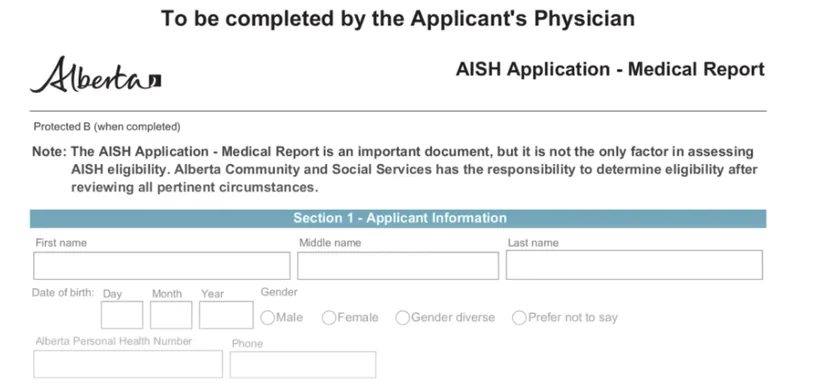
“Fill out the AISH medical report for this patient.”

ScribeberryWeb app
The Alberta AISH Application medical report, ready to fill.
Form found

Choose from the forms library, or upload your own PDF.

Work with your EMR03

The chart. In and out.

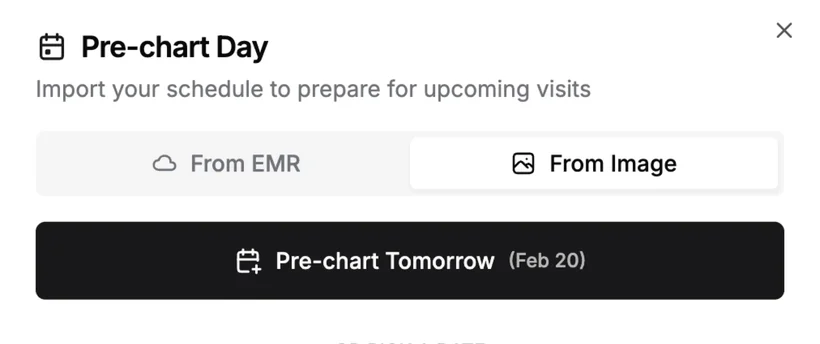
Prepare tomorrow’s visits, pull chart context in and push the reviewed note back.

“Pull the chart, then push my note back.”

ScribeberryWeb app
Pre-chart Day: import tomorrow’s schedule from the EMR or an image.
Tomorrow’s visits prepared

Import the schedule from your EMR or a photo and pre-chart the day.

Speak their language04

Their language. Your note.

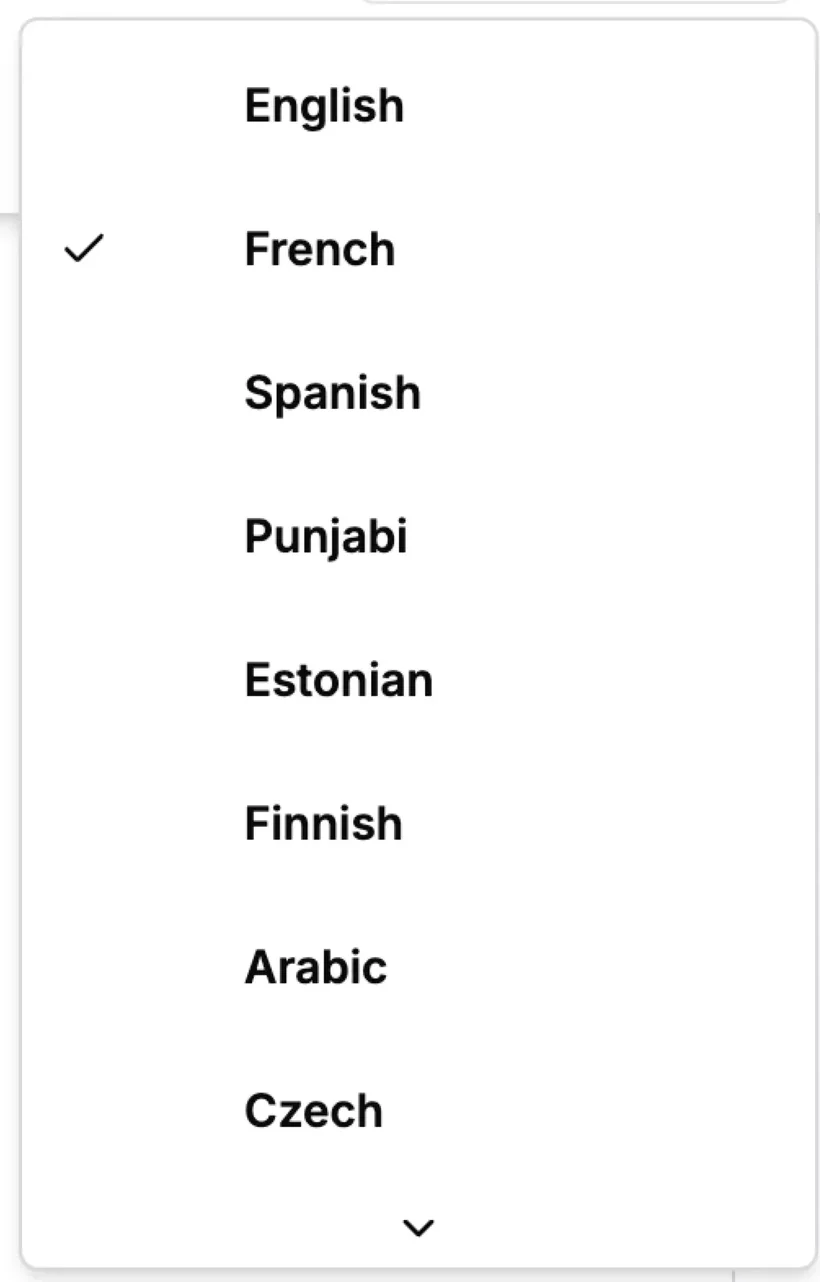
Run the visit in 40+ languages with live translation, and chart in yours.

“Translate this visit into French as we talk.”

ScribeberryWeb app
The language list: English, French, Spanish, Punjabi and more.
40+ languages

Pick the language of the visit, French included.

Screens from the Scribeberry web app. Example patients are fictional.

Privacy & security

Notes that sound like you

Your style.
Every draft.

Start from a template, add your own shortcuts, and tell Scribeberry how you like things written.

01 / TEMPLATES

Start from 2000+.

Pick a template from the hub, or paste a sample note and Scribeberry copies its format.

02 / MACROS

Say it once.

Type or say a trigger and your standard exam, plan or instructions drop into the note.

03 / MEMORIES

Learns how you write.

Your phrasing and section order, applied to every note. You decide what it remembers.

Works where you chart

Your EMR.
No new system.

Scribeberry sits beside the chart you already use, so there’s nothing to migrate.

  • Accuro through the marketplace API
  • Web EMRs through the Chrome extension
  • Desktop EMRs through the desktop app
  • The same notes on iPhone and Android

Nothing goes into the chart until you’ve reviewed it.

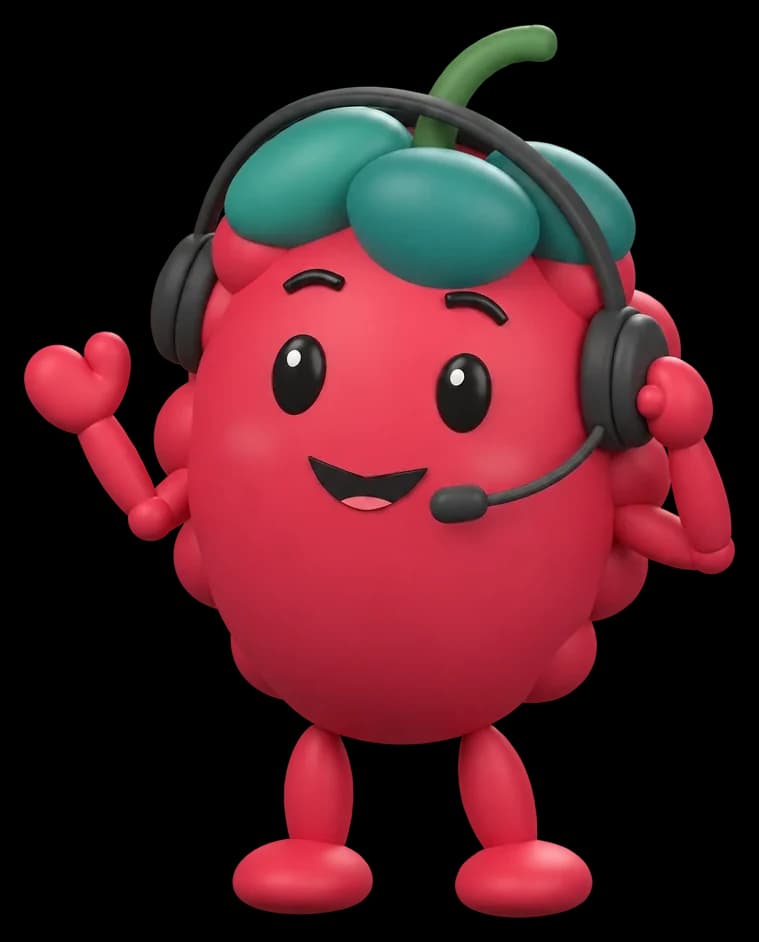
Berry wearing a headset, waving hello
Your first
200 minutes free

New · AI receptionist

Every call.
Answered.

Berry answers your clinic’s phone in English or French, books visits in Accuro or your Scribeberry schedule, and takes refill requests and messages.

Urgent symptoms go straight to your on-call team by text. Every call lands on the Front Desk with a transcript and a written note.

Meet the AI receptionist

Scribeberry, in brief

What it does.
Where it works.

Scribeberry is a Canadian AI medical scribe. It writes the visit note in your template, fills Canadian forms, works alongside your EMR and answers your clinic phone. You review everything before it reaches the chart.

Meet Berry, the clinical agent
Made by
Scribeberry, the Canadian AI medical scribe, building since 2023
Works on
The web app, a Chrome extension, a desktop app, and iPhone and Android
Notes
Your template, or one of 2000+ in the template hub, across 100+ specialties
Languages
40+, French included, with live translation
EMR
Accuro through the marketplace API; OSCAR Pro, Jane, TELUS and more through Smart Pull and Smart Push
Data
Stored in Canada, encrypted in transit and at rest, never used for AI training
Procurement
On Supply Ontario’s AI Scribe Vendor of Record list and pre-qualified for Canada Health Infoway’s AI Scribe Program
What features does Scribeberry include?

Scribeberry includes 30+ features: AI Scribe, Dictation, Transcription, Form Filling, Smart Pull/Push EMR integration, Templates, Macros, Translation in 40+ languages, Patient Management, Billing Code Lookup, an AI receptionist and more.

Does Scribeberry work with my EMR?

Scribeberry works alongside your EMR: the Accuro marketplace API, Chrome extension Smart Pull and Smart Push for web EMRs such as OSCAR Pro, Jane and TELUS CHR, in-chart launch for TELUS Health desktop EMRs, and the desktop app for dictating into desktop EMRs such as Epic.

How accurate is the AI scribe?

Scribeberry is built for clinical documentation: specialty-tuned models across 100+ specialties, a medical dictionary for drug names and anatomy, and support for 40+ languages. Every draft is reviewed and signed by the clinician before it reaches the chart.

Can I try every feature for free?

Yes. Every new account starts with 3 days of unlimited use, then 20 uses a month at no cost, with no credit card required. Pro is $99 a month for unlimited use.

Where is my data stored?

Your data is stored in Canada, encrypted in transit and at rest, and never used for AI training. Audio is not retained.

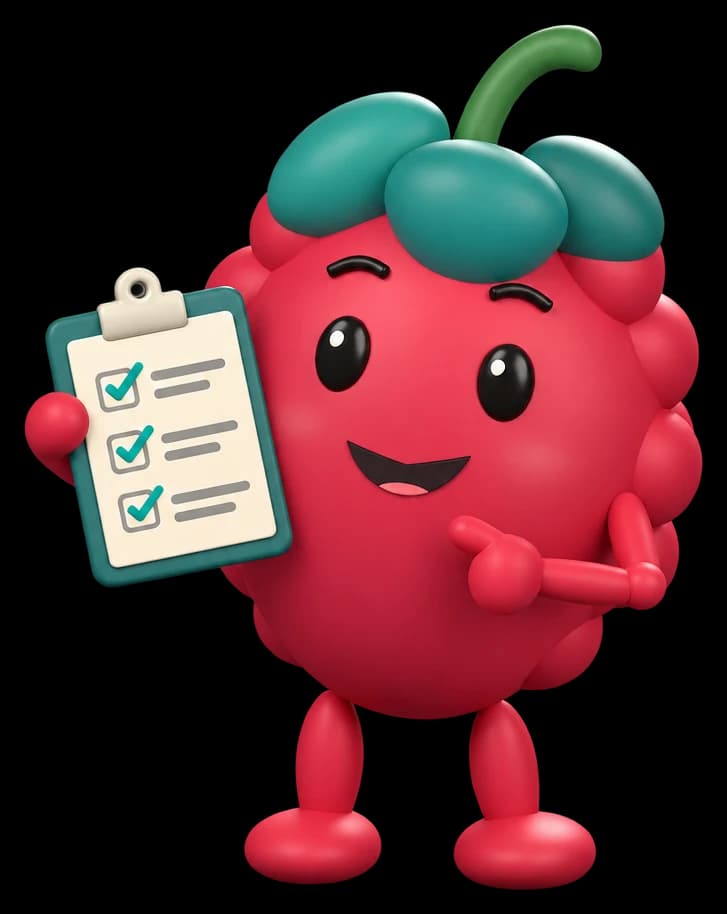
Berry holding up a completed clipboard

Your notes, done before you leave

Try it on
your next visit.

Three days unlimited, then 20 free uses a month. No credit card.