

Practice Management
Tasks
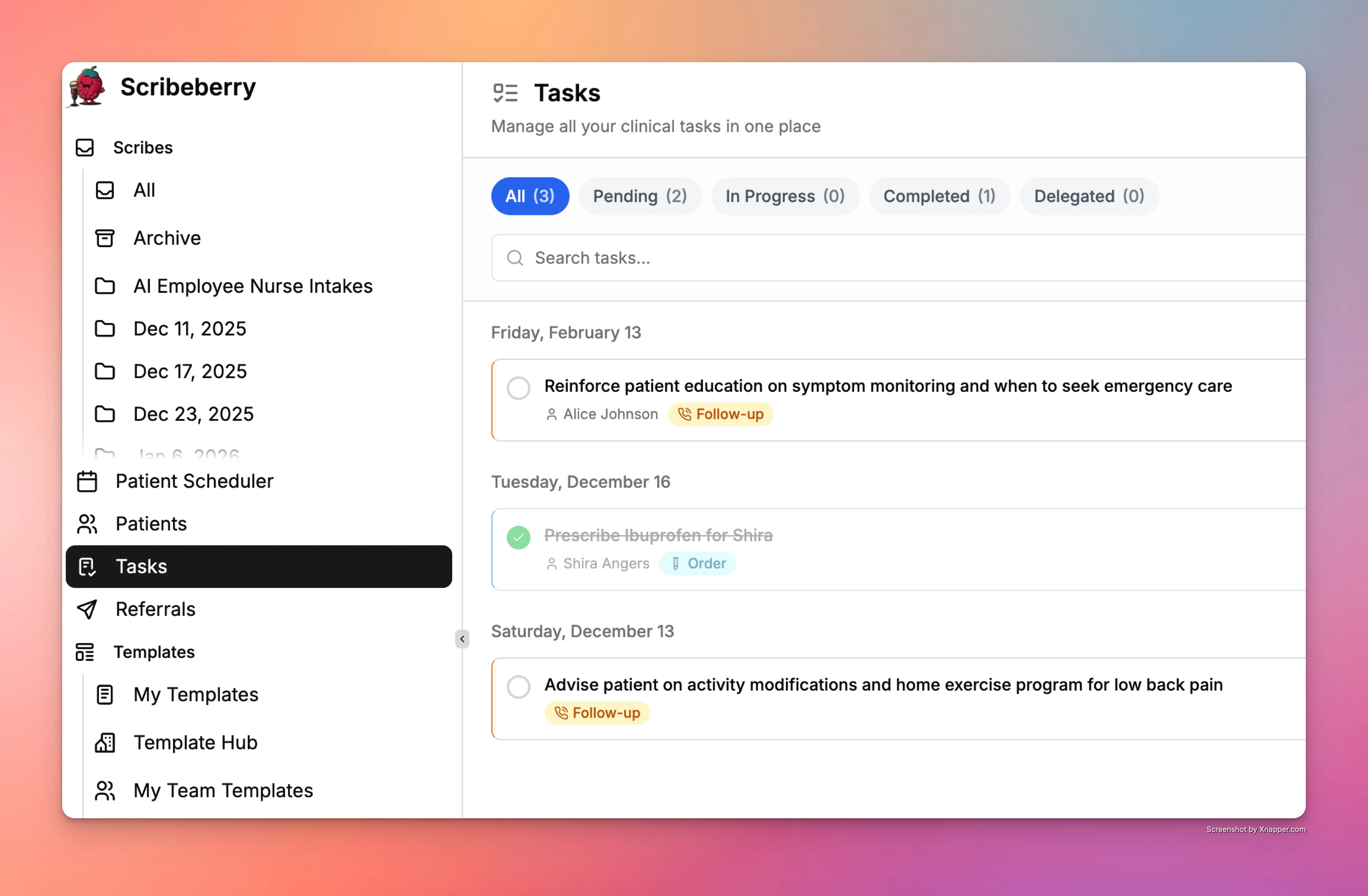
Scribeberry Tasks helps clinics convert visit outcomes into trackable actions so important follow-ups do not get missed.
What does Tasks do for clinic operations?
Tasks provides a structured way to track next steps generated by clinical workflows. It improves accountability and reduces follow-up gaps.
How does Tasks fit into your workflow?
Teams capture tasks from encounter outcomes, assign ownership, monitor status, and complete follow-through as part of care operations.
- Create tasks from encounter outcomes or documentation needs.
- Assign ownership and due timing for follow-up actions.
- Track status and update progress within workflow.
- Close tasks once follow-up actions are completed.
When should teams use Tasks?
Tasks is best for teams that need reliable follow-up execution tied to clinical documentation and operational workflows.
- Referral, callback, and care-plan follow-up tracking.
- Teams coordinating multi-step post-visit actions.
- Clinics improving completion rates for pending work items.
Frequently asked questions about Tasks
These FAQs cover how Tasks supports follow-up reliability in practice workflows.
It helps manage encounter-related follow-ups and operational action items.
Yes. Assignment and status tracking help teams follow through on work.
Yes. It is designed to support action tracking from documentation-driven outcomes.
Ready to use Tasks in your clinic?
Scribeberry helps clinics run smoother operations with practical tools for teams, workflows, and follow-through.
More practice management

