

How doctors use Berry, Scribeberry’s healthcare agent

Quick answer
Berry is Scribeberry’s AI healthcare agent. It helps doctors prepare for clinic, fill forms, fax referrals, send intake links and keep track of follow-ups from the same conversation as the visit. Connected Google Calendar and Gmail workflows are available on Enterprise plans. Canadian patient data stays in Canada, with end-to-end encryption.
The last patient has left. The note is done. There’s still a referral to send, a disability form to finish and a result you need to check in two weeks.
That’s the part of the day we built Berry for.
Berry is the healthcare agent inside Scribeberry. It works with the visit you’ve just documented and helps carry the next steps through: finding the form, preparing the referral, setting up the follow-up. You ask in ordinary language and review the work where you already are.
That’s what agentic AI in healthcare means in practice: software that can use tools to carry out a request, with the clinician reviewing the work along the way.
Here’s how to put it to work across a clinic day. The patients in these examples are fictional; the videos are recreated app demonstrations with condensed timing. The still screenshots come from the real iPhone app using demo data.
Before clinic: have the day ready
“Pre-chart tomorrow’s visits.”
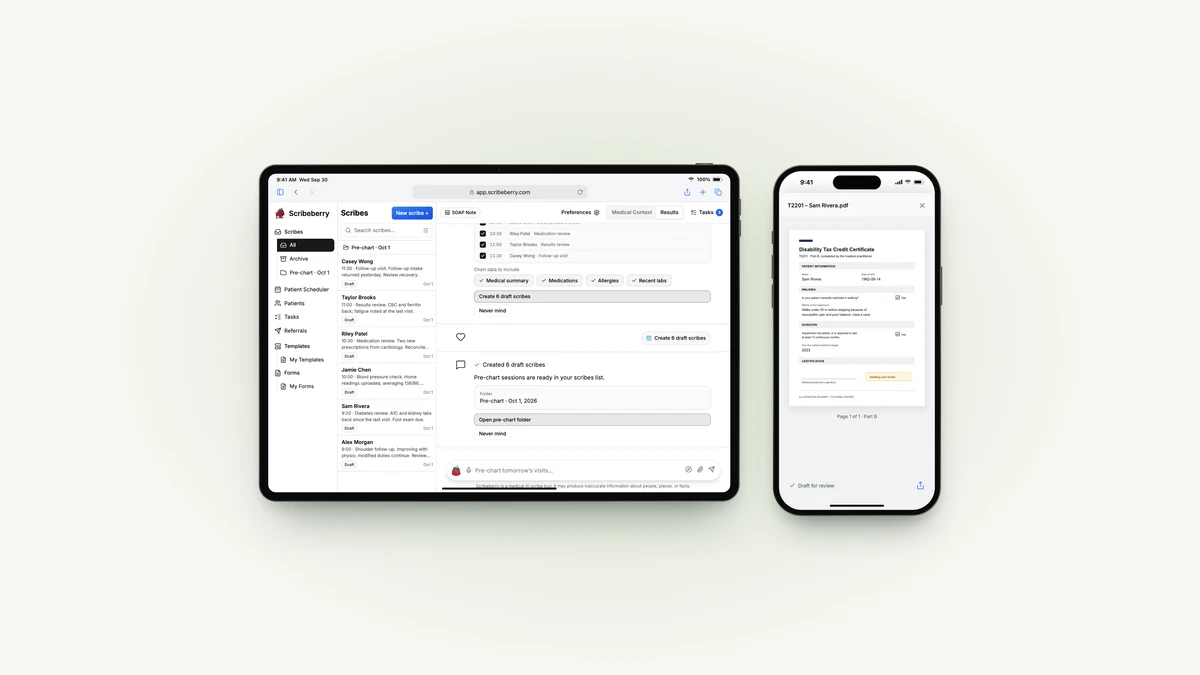
Open Berry on the web and choose where the schedule should come from. With Accuro connected, Berry can pull it from the EMR. You can also upload a photo or PDF of the day sheet, paste a list, or use the calendar day view.
Choose the patients and the chart information to include. Berry creates a draft scribe for each visit and puts them in a folder. When your first patient arrives, you have a place to start.
The useful part is having the information together. A medication change from the last appointment and a result that came back yesterday belong beside the next visit, rather than in a separate list you have to reconstruct.
Direct chart retrieval needs a connected EMR. A pasted schedule supplies the appointment list; it doesn’t, by itself, give Berry access to everyone’s chart.
After the visit: fill the form while the details are fresh
“Fill out Sam’s Disability Tax Credit form.”
In the CMA and CFIB’s national survey, physicians reported spending 36.6 minutes per Disability Tax Credit submission. That is a survey estimate of the paperwork burden, not a Berry time-saving claim. But anyone who has spent an evening transferring a clinical history into a form will recognize the problem.
Berry finds the form in your library, fills it from the visit and the available chart context, and returns a PDF for review. The same approach works with the other forms your clinic uses, including WSIB, AISH and insurer forms.
You still read the form. You correct the wording, check the dates and make the clinical judgment. Berry gets you to a draft you can work with, instead of a blank page.
Get the referral out of your unfinished pile
“Send the referral to Dr. Taylor.”
The decision to refer happened during the appointment. Sending the letter shouldn’t become another evening’s job.
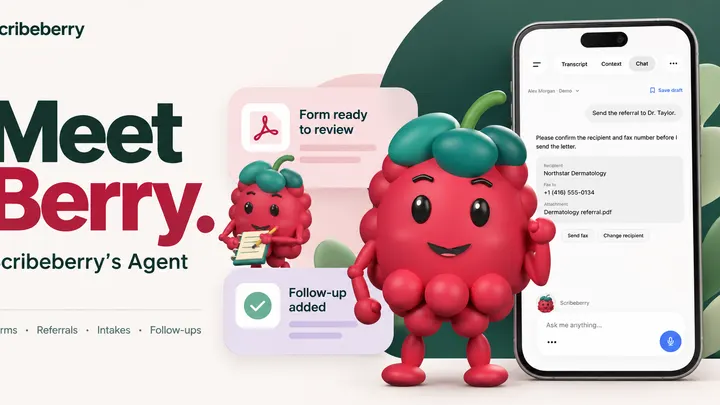
Berry drafts the referral from the encounter and helps find the recipient. Before submitting it, you can review the letter, destination and fax number together, revise the text or change where it’s going.
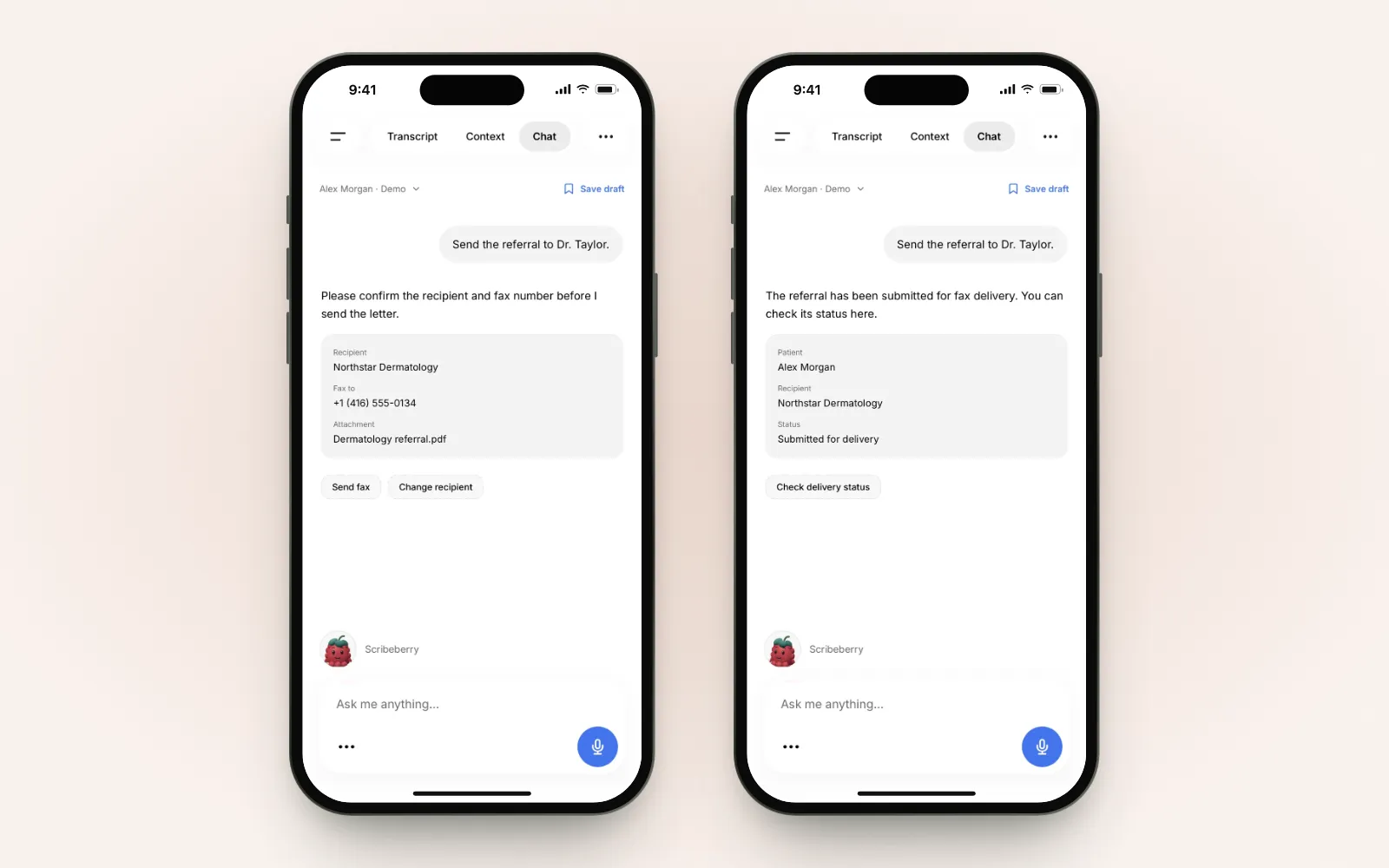
A submission receipt means the fax service has accepted the job. Delivery is a separate status. That small distinction matters when you’re checking whether a specialist’s office actually received it.
Send the intake before the next appointment
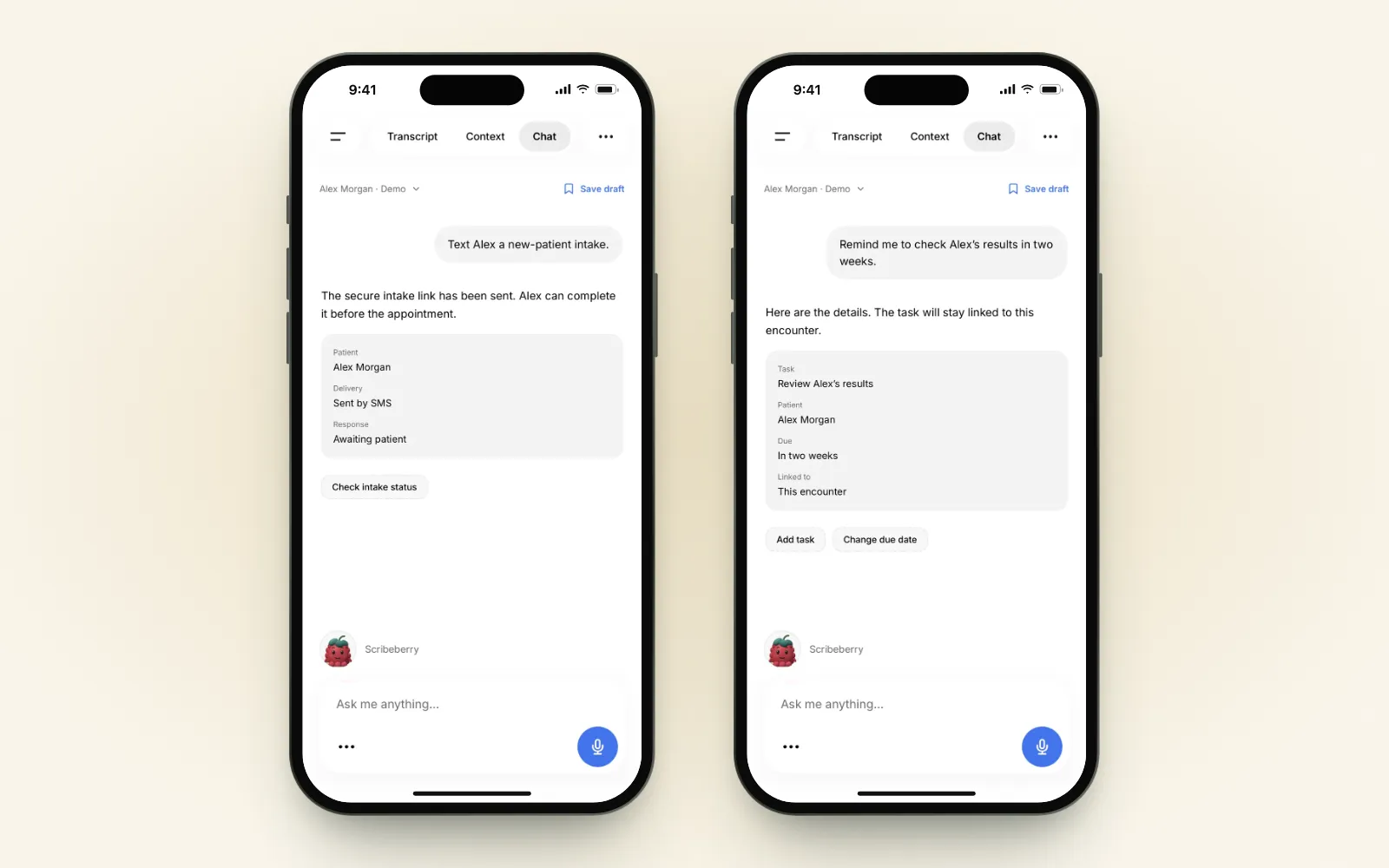
“Text Alex the follow-up intake.”
For clinics using the intake add-on, Berry can send a secure intake link by text or email. Choose the intake and review the patient’s contact details before sending it.
Patients can complete it before they arrive. When they do, you have their answers ready to review rather than starting the follow-up by asking them to repeat everything from scratch.
Turn “I’ll remember” into a follow-up
“Remind me to check Alex’s results in two weeks.”
Berry prepares a task with a due date and priority, linked to the visit. You can change the date before saving it. In this example, the clinician moves the review from Wednesday to Friday.
The link back to the visit is the important bit. Two weeks later, “check results” is a lot more useful when the patient and the reason are right there.
Keep the chart and billing questions in the conversation
Two requests that are easy to overlook:
- “What were Sam’s last A1C results?” With Accuro connected, Berry can retrieve chart information such as labs, medications, allergies and history. You can also send a completed note back to the chart.
- “Find billing codes for this visit.” Berry can look up fee codes for Ontario, British Columbia, Alberta, Saskatchewan and Manitoba, along with ICD codes. You choose the code and check the billing requirements.
These are small interruptions individually. Repeating them between patients is what makes them expensive in attention.
Protect some charting time, too
“Block Friday 1–3 for charting and email the front desk.”
Google Calendar and Gmail workflows are available on Enterprise plans. Once your clinic has connected those services, Berry can prepare the event and the message in the same conversation.
Check the calendar, date, time zone and email recipient, then approve each action. The demo below uses a clinic-admin message with no patient information.
It’s a modest request. It’s also the sort of thing that otherwise means opening another app, finding the right calendar and remembering to tell someone about it.
Ask for the whole next step
You can give Berry related work together:
“Fax Alex’s referral, text his intake, and remind me about his labs in two weeks.”
Berry works through the jobs and brings back the details that need your review. The point is to keep the work with the encounter, even when it involves a form, a message and a task.
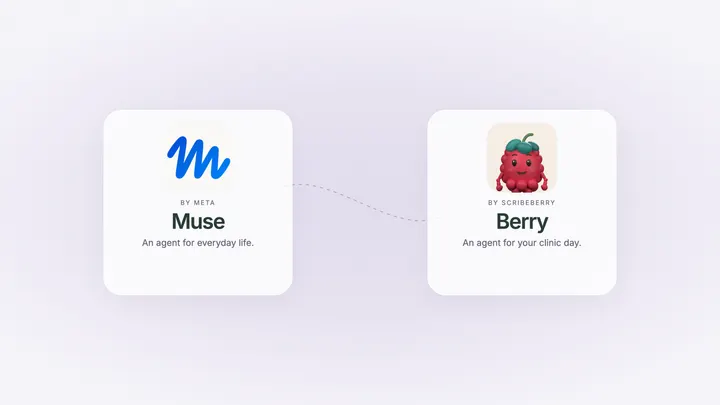
You can watch that combined workflow in our explanation of Berry as “Muse for healthcare”. For a closer look at individual approvals, the healthcare-agent comparison shows the visit being wrapped up one request at a time.
Canadian care, Canadian patient data
We’ve built Scribeberry in Canada since 2023. Berry’s day-to-day details reflect that: Canadian forms, provincial fee schedules, Accuro workflows and referral faxing.
Canadian customer patient data stays in Canada, with end-to-end encryption. Canadian storage and processing are separate from the US infrastructure used for US and international customers. Our security page explains more.
The clinician still reviews the work and makes the clinical decisions. A finished draft is ready for your judgment, not a substitute for it.
Start with the job you keep putting off
You don’t need to reorganize your whole clinic to try Berry. Pick the next form, the referral waiting on your desktop or tomorrow’s schedule. Open Scribeberry on the web, iPhone or Android and ask for that.
Meet Berry, or compare it with other healthcare agents if you’re deciding what belongs in your practice.
Frequently asked questions
What can doctors do with Berry?
Berry helps with pre-charting, form filling, referral letters and faxes, intake delivery, patient follow-up tasks, billing-code lookup and chart queries. It works inside Scribeberry on the web, iPhone and Android. Available workflows depend on your connected services and plan.
Can Berry handle several workflows from one request?
Yes. You can ask Berry to work through related jobs, such as a referral, a patient intake and a lab follow-up. Berry brings the relevant details back for review as it moves through the work. The clinician remains responsible for the clinical content and approvals.
Does Berry connect to Google Calendar and Gmail?
Yes, on Enterprise plans with those accounts connected. For example, Berry can prepare a charting block in Google Calendar and an email to the front desk, with review before creating the event and sending the message.
What do I need to pre-chart with Berry?
You can use a connected Accuro schedule, a schedule photo or PDF, pasted text, or the calendar day view. Choose the patients and available chart context, then create draft scribes in a folder. Reading information directly from Accuro requires that integration to be connected.
Where does Canadian patient data go?
Canadian customer patient data is stored and processed in Canada, with end-to-end encryption. Scribeberry’s US infrastructure serves US and international customers. See the security page for more on how Scribeberry handles patient data.