

Fill a form01
The form. Already filled.
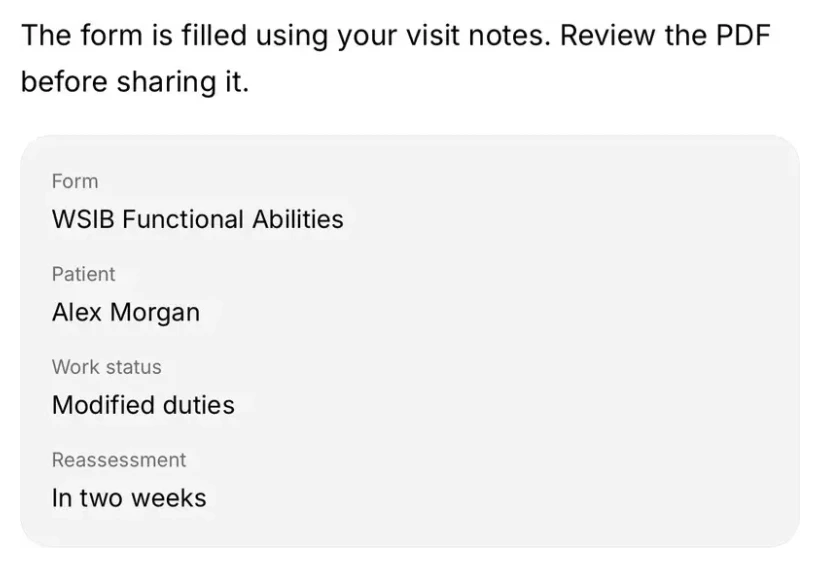
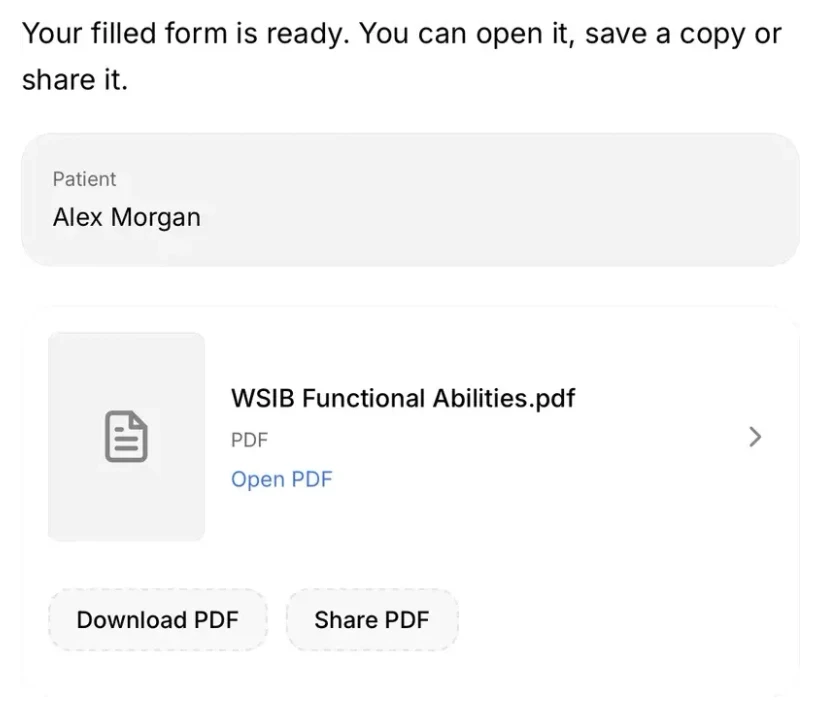
Berry fills the fields from your visit and brings you a PDF to review.
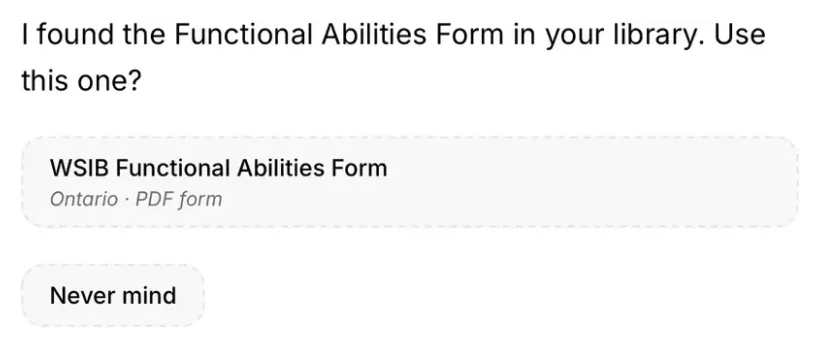
“Fill the WSIB form from this visit.”

Looks up the right form in your library. No digging through folders.
Berry reviews all six appointments for tomorrow, with each patient’s visit time, chart summary and points to review. Illustrative app demo with fictional patients. Use the left and right arrow keys to change scenes.
The note. The form. The referral.
Your next step, a little lighter.
A helping hand, every day
Fill the form. Send the referral. Set the follow-up. All from the same conversation.
Fill a form01
Berry fills the fields from your visit and brings you a PDF to review.
“Fill the WSIB form from this visit.”

Looks up the right form in your library. No digging through folders.
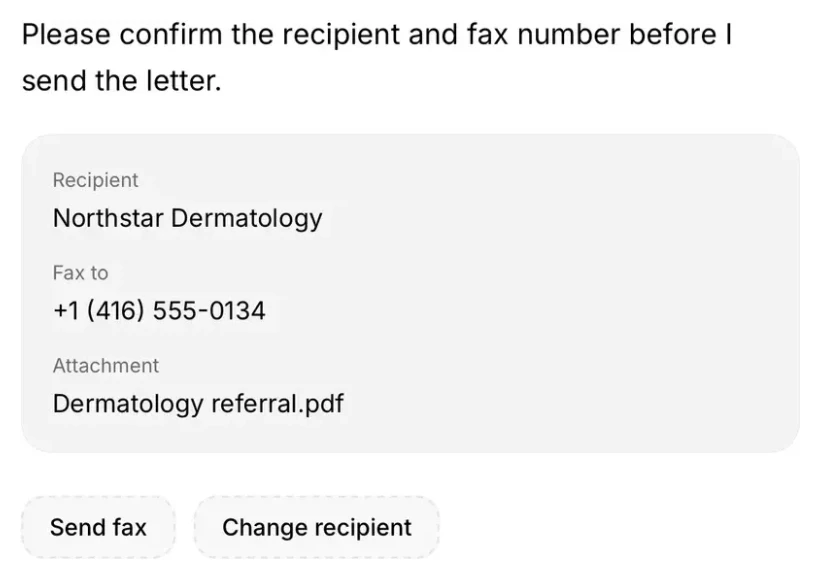
Send a referral02
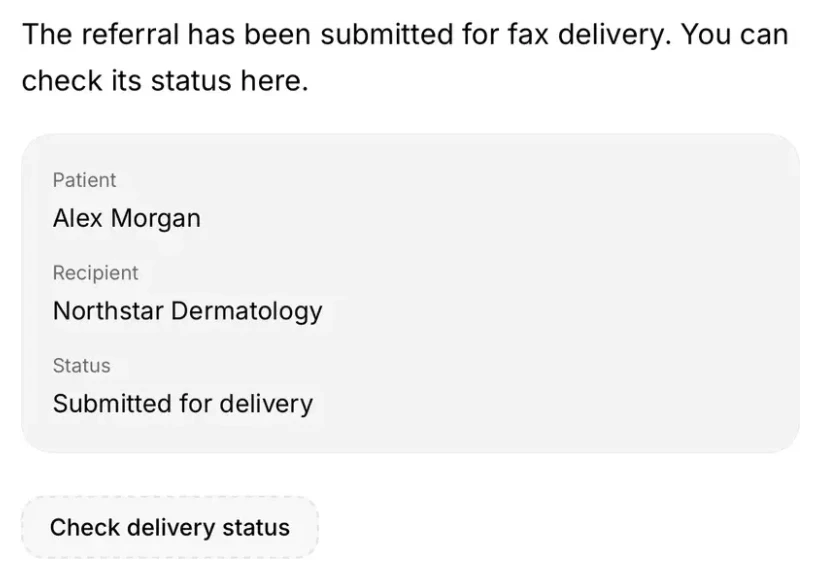
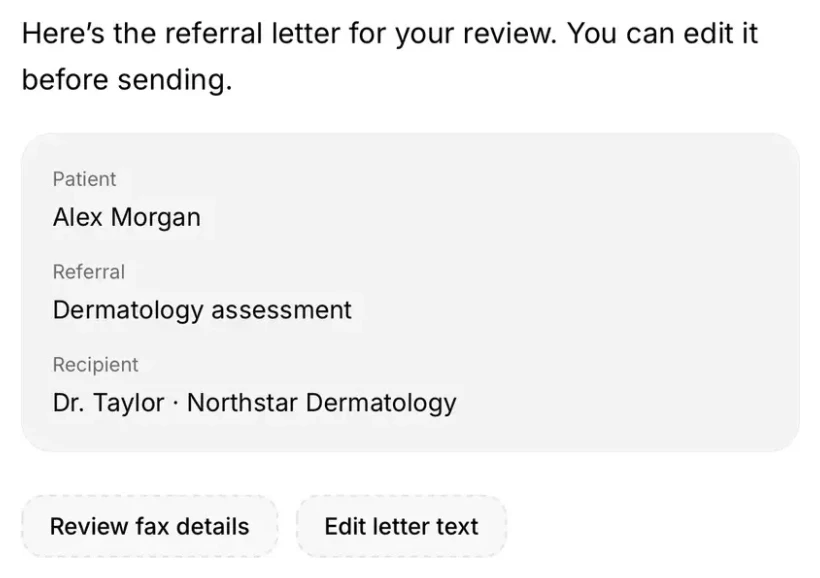
Berry writes the letter, checks the recipient and sends the fax when you’re ready.
“Refer Alex to dermatology.”

Turns the encounter into a referral you can review and edit.
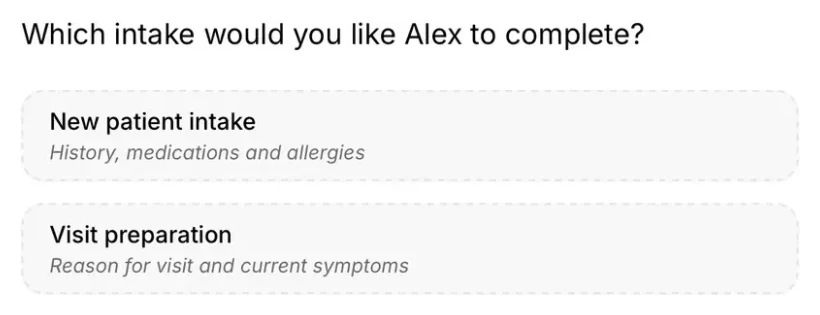
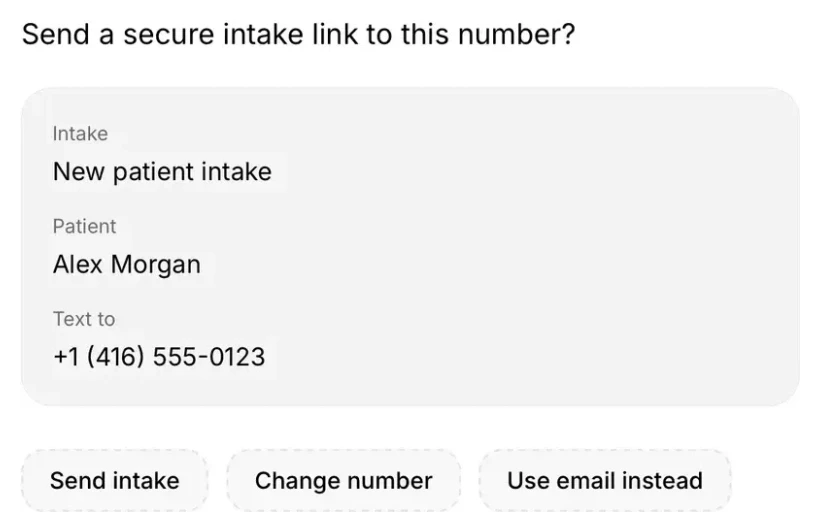
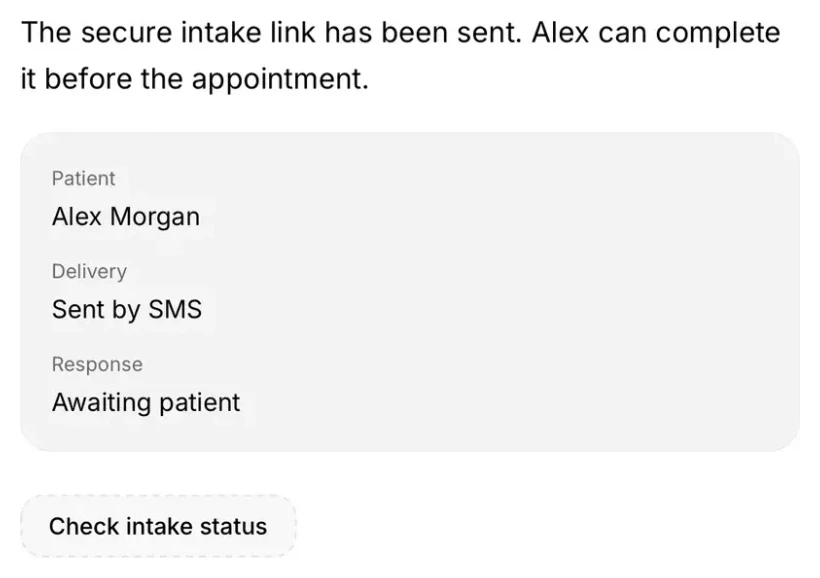
Send an intake03
A secure link for your patient. Their answers ready before the visit.
“Text Alex a new-patient intake.”

Choose from your clinic’s intake workflows, in the same conversation.
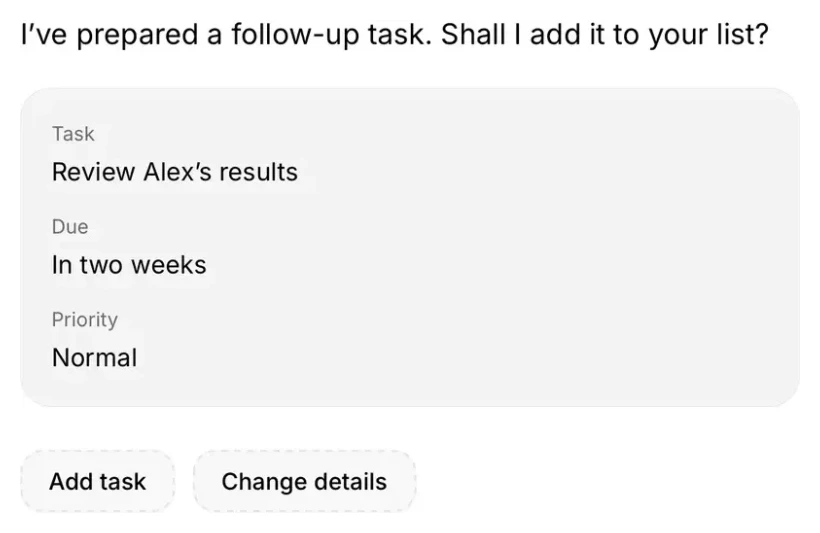
Add a follow-up04
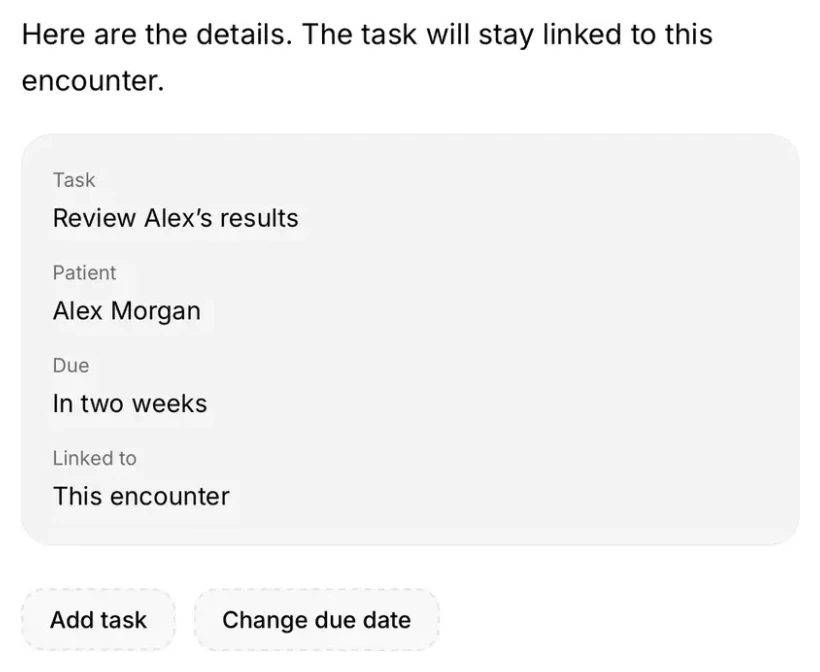
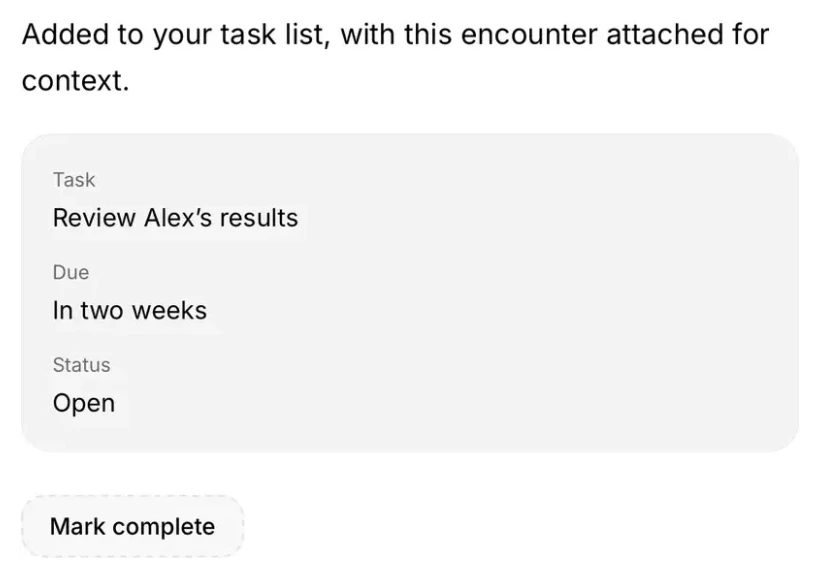
Ask Berry to add a task, with the due date and patient details attached.
“Remind me to check Alex’s results in two weeks.”

Turns your plain-language request into a follow-up task.
App previews use fictional patient details.
Privacy & securityHow Berry helps
Berry works from your notes and patient details to prepare the form, referral or follow-up you asked for.
Your notes. Your patient’s details. The context Berry needs, already in the conversation.
The form library. The fax. The intake link. Berry brings the next step within reach.
A filled PDF. A sent referral. A follow-up on your list. The result stays with the encounter.
Connectors
Bring your email, calendar and files into the conversation. Berry finds what you need and takes the next step, without switching apps.
You choose what to connect. Berry asks before it sends, schedules or shares.

Made in Canada
We’re a Canadian team making everyday clinical work a little lighter. We’ve been building Scribeberry since 2023.
From the first note to the next follow-up, Berry helps make more room for care.
Canadian patient data stays in Canada.Berry, in brief
Berry is Scribeberry’s AI agent for clinical work. It uses the context you already have, such as the visit, your notes, your forms library and, with Accuro, the chart, to carry out the tasks around a patient visit. It asks before anything is sent.
AI agents for healthcare, comparedBerry is Scribeberry’s AI agent for clinical work, launched in September 2026. It works in the chart conversation on the web, iPhone and Android, and uses the context you already have to carry out the tasks around a patient visit, with your approval.
Berry pre-charts the day from your schedule, fills Canadian forms such as the CRA T2201, WSIB and CPP Disability forms from the visit, drafts and faxes referral letters, sends patient intake links by text or email, adds follow-up tasks, and looks up billing codes for Ontario, BC, Alberta, Saskatchewan and Manitoba plus ICD codes.
No. Faxes, texts, emails and saved tasks go through a review card with the exact recipient and content, and nothing happens until you confirm it. You can change the recipient, the number or the letter first.
Berry’s chart actions use Accuro (QHR): it can read the schedule, medications, allergies, history and lab results, and send the note back to the chart. Scribeberry’s scribe also works with TELUS Health EMRs, OSCAR Pro, Jane and other EMRs.
An AI scribe writes the note from the visit. Berry does the work that follows: the form, the referral fax, the intake link and the follow-up, from the same conversation. Both are part of Scribeberry.

Meet your everyday helping hand
Pre-chart. Fill forms. Send the follow-up. Start on your phone.