

Practice Management
Groups
Scribeberry Groups supports team-based operations by organizing users under shared configuration and workflow patterns.
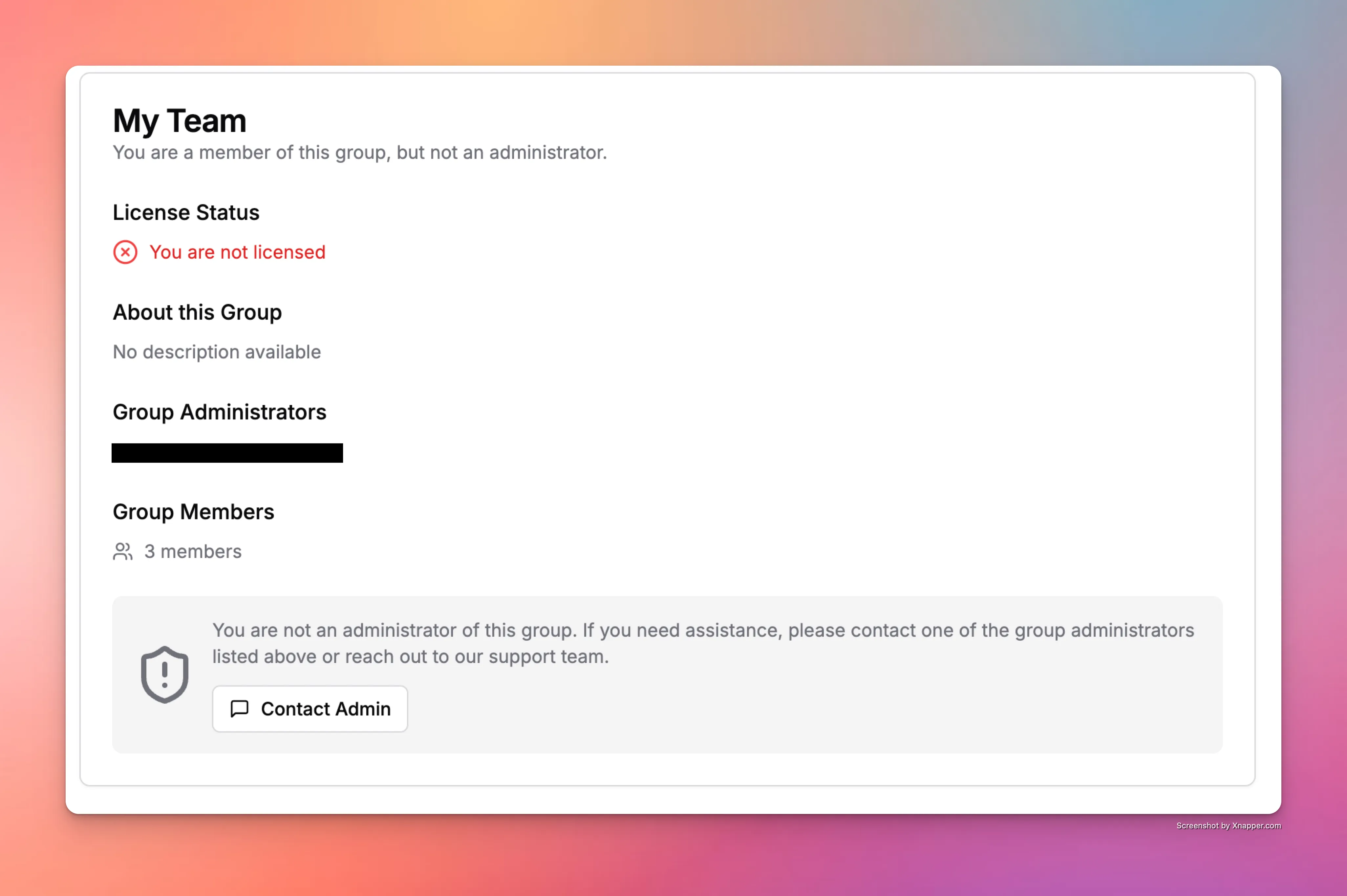
What does Groups do for clinic operations?
Groups enables structured team coordination so clinics can align settings, workflow conventions, and documentation standards across members.
How does Groups fit into your workflow?
Admins create groups, assign members, and apply shared workflow settings that support consistent documentation across teams.
- Create a group for your team or clinic segment.
- Assign members and shared workflow expectations.
- Apply common settings and documentation standards.
- Monitor team alignment and adjust group configuration.
When should teams use Groups?
Groups is ideal for multi-provider clinics and organizations standardizing workflows while preserving operational flexibility.
- Large clinics with multiple providers and support staff.
- Teams sharing template and documentation conventions.
- Organizations scaling consistent workflows across locations.
Frequently asked questions about Groups
These FAQs describe how Groups supports scalable team operations.
Any clinic with multiple users who need shared workflow standards can benefit from Groups.
Yes. Shared settings and conventions help teams document more consistently.
Yes. It helps maintain workflow alignment as teams expand.
Ready to use Groups in your clinic?
Scribeberry helps clinics run smoother operations with practical tools for teams, workflows, and follow-through.
More practice management

