


Computer Use Agents in Healthcare: The AI That Works Your EMR Like a Person


In this article 8 sections
Quick answer
A computer use agent is AI that sees your screen and works the mouse and keyboard, so it can do jobs inside the EMR and portals you already use, with no integration to build. In healthcare that means pre-charting, entering notes, doing tasks and filing faxes. Scribeberry Computer is our Mac app for exactly this, with approvals before anything risky.
For every hour physicians spend with patients, they spend nearly two more on the EHR and desk work. That was the finding of Sinsky and colleagues in the Annals of Internal Medicine (2016), and Health Affairs put it just as plainly a year later: physicians split their time about evenly between seeing patients and desktop medicine.
AI scribes attacked the note. But the note was never the whole job. The clicking around it, opening charts, pasting text into the right fields, working the inbox, entering the day sheet, is still yours.
That is the gap a new kind of AI is built for: the computer use agent.
What a computer use agent is
Most software automation needs an integration: an API, a plugin, a vendor partnership. A computer use agent skips all of that. It looks at your screen the way a person does, then moves the mouse, clicks and types. Anthropic introduced the pattern in October 2024, showing an AI booking, browsing and filling forms on a real desktop, and “computer use” has become the name for the whole category.
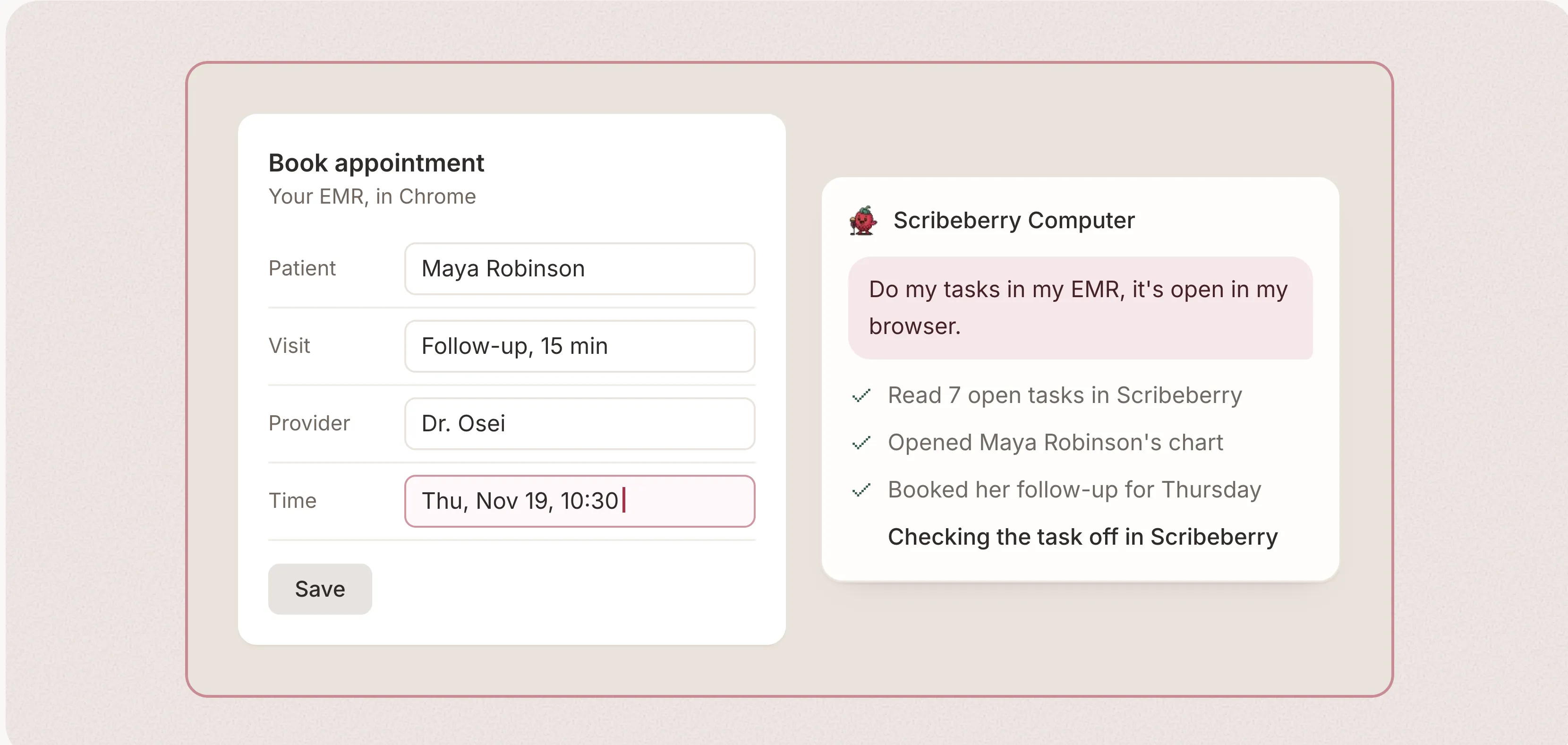
Give it a job in plain language (“do my tasks in my EMR, it’s open in my browser”) and it works out the steps: find the app, read the screen, act, check the result, carry on.
Why healthcare is where it helps most, and where it is hardest
Healthcare runs on software that was never meant to be automated. Your EMR, your provincial billing portal, your fax inbox: capable systems, mostly without an API a small clinic could ever use. You cannot rip them out, and you should not have to. An agent that works the screen works with the stack you already have, including the older and regional systems big integrations never reach.
The same setting raises the stakes. A misclick in a chart is not a misclick in a spreadsheet. So the interesting question is not whether an agent can click. It is what it is allowed to click without asking.
A clinic day, delegated
Here is what this looks like with Scribeberry Computer, our new Mac app. It gives Berry, Scribeberry’s agent, hands on your own computer.
Before clinic. A routine runs at 6:00 PM the night before: open tomorrow’s schedule in the EMR, import it, and pre-chart every patient with their medications, allergies, problems and last note. You arrive to a prepared day.
Between patients. “Enter today’s notes into the matching patient charts.” Computer finds each chart, pastes the finished note into the right fields and marks it entered in Scribeberry. Tasks from the visit get done in the EMR and checked off as it goes.
The pile that never shrinks. Faxes filed into charts, with anything abnormal turned into a task for you. The day sheet entered line by line into your billing portal, each line marked entered, or rejected with the reason, in Scribeberry.
None of this needs a new system. It happens in the apps already open on your Mac, or, in Background mode, in a dedicated Chrome window that leaves your mouse and keyboard yours.
The control problem, solved out loud
An agent that can do anything is an agent you cannot leave alone. Scribeberry Computer is built around the opposite idea: freedom for the harmless, a hard pause for the consequential.
Looking around is free. Reading a chart, opening a screen, taking stock: that runs without asking. But every action is reviewed before it runs, and anything risky or unclear stops the run and shows you a card first: sending a fax or a message, deleting, billing, anything that cannot be undone. Enter allows that one action, and only that one. Esc blocks it, and the denial is written into the thread.
Three more controls matter day to day:
- Two ways to run. Take over works your real screen and any app on it. Background works in its own Chrome profile while you keep using your Mac. If Background reaches something only your real screen can finish, it pauses and asks you to hand over.
- Stop is always yours. One shortcut (⌘ ⇧ S) ends a run from anywhere. Finished steps are already recorded, so stopping halfway loses nothing.
- Your sign-ins stay yours. The app never holds your EMR password. It works where you are already signed in, and threads sync to your account without screenshots, which stay on your Mac.
And when you would rather just talk
Computer use is not only about delegating. Hold ⌥ Space anywhere on your Mac, in your EMR, a browser, an email, and speak. Your words stream into a small bar live, and when you let go they are typed into the field you clicked. It turns the scribe you already use into dictation for every app you own, which is what medical dictation software should have been all along: no separate recorder, no pasting ritual, just talk into the chart.
Honest limits
A screen is slower than an API, and an agent can misread one. Computer shows its work step by step precisely so you can catch that. It is Mac only for now. It needs your Mac awake and signed in, so a routine your Mac sleeps through is marked missed rather than run somewhere else. And approval cards mean a fully unattended run can pause and wait for you, which is the correct behaviour for sending and deleting, even when it is occasionally inconvenient.
Set up in about two minutes
There is no blank screen to face. A setup guide walks you through it on the web (download, sign in through your browser, allow three macOS permissions), then picks up inside the Mac app for your first real job: open a chart, tap “Summarize this chart”, watch it land.
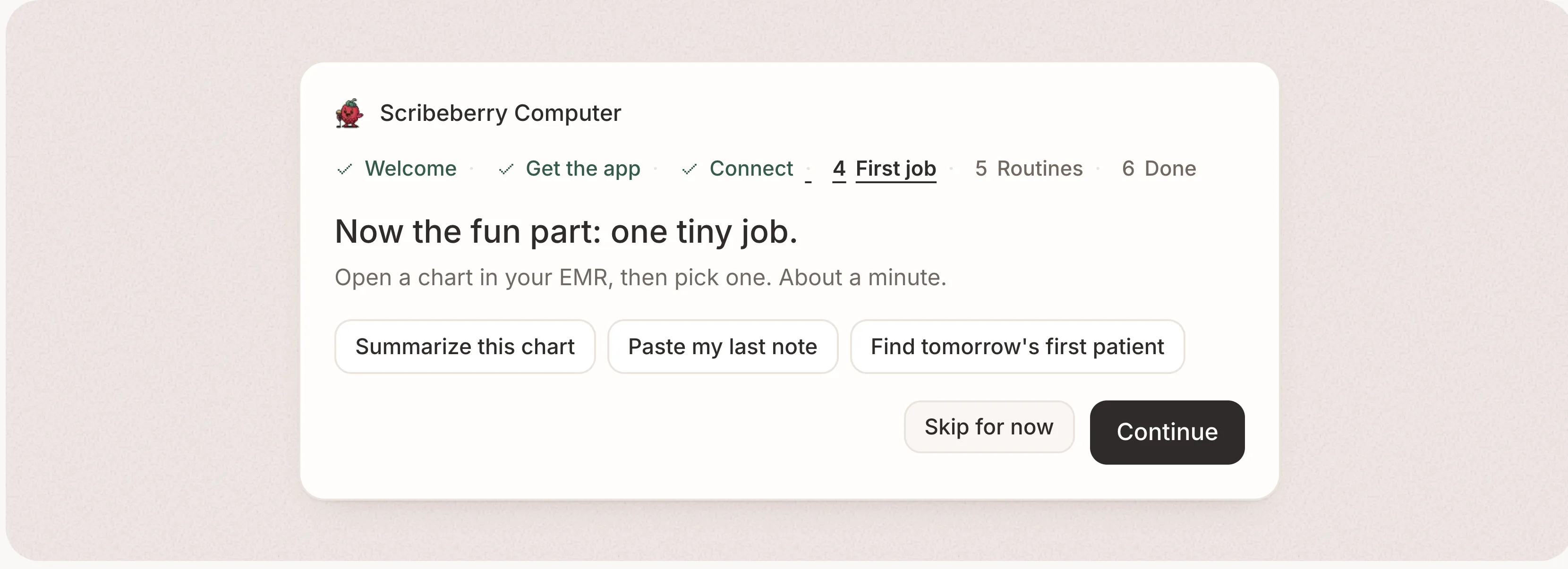
The full walkthrough, with pictures of every switch and shortcut, is the Scribeberry Computer guide. If you already use Scribeberry, open Computer use in the sidebar and click Show me. Your Mac is about to get much better at clicking than you are.
Frequently asked questions
What is a computer use agent?
It is an AI agent that perceives a computer screen and acts through the mouse and keyboard, the same way a person does. Instead of needing an API or integration for every app, it opens the app, reads what is on screen, clicks, types and checks its work. Anthropic introduced the pattern publicly with computer use in October 2024, and it has since become a category of its own.
Why does computer use matter for healthcare?
Most clinical software was never built to be automated. EMRs, billing portals and fax inboxes often have no usable API, and clinics cannot switch systems just to please an AI. An agent that works the screen you already have can help in the tools you already use, including older and regional systems.
Is it safe to let an AI click around in my EMR?
Only with controls. In Scribeberry Computer, looking around runs freely, but risky or unclear actions, sending, deleting, billing, anything that cannot be undone, pause for your approval first. You can stop a run from anywhere with one shortcut, work is recorded step by step, and the agent uses your own sign-ins rather than holding your EMR password.
What can Scribeberry Computer actually do?
Enter finished notes into patient charts, work through your task list in your EMR, file faxes, enter day-sheet billing, sync patient demographics from the chart on screen, and pre-chart tomorrow's patients on a schedule. It also dictates into any app on your Mac when you hold Option Space.
Do I need a new EMR or an integration project?
No. Scribeberry Computer is a Mac app that works in the apps and websites you already have open, or in its own dedicated Chrome profile in Background mode. Setup is a download, a browser sign-in and three macOS permissions, guided step by step.
Sources
- Sinsky et al., Allocation of Physician Time in Ambulatory Practice (Annals of Internal Medicine, 2016)
- Anthropic, Introducing computer use, a new Muse Spark, and Muse Spark (2024)
- Tai-Seale et al., Electronic Health Record Logs Indicate That Physicians Split Time Evenly Between Seeing Patients And Desktop Medicine (Health Affairs, 2017)

More on topic
-
Workflows
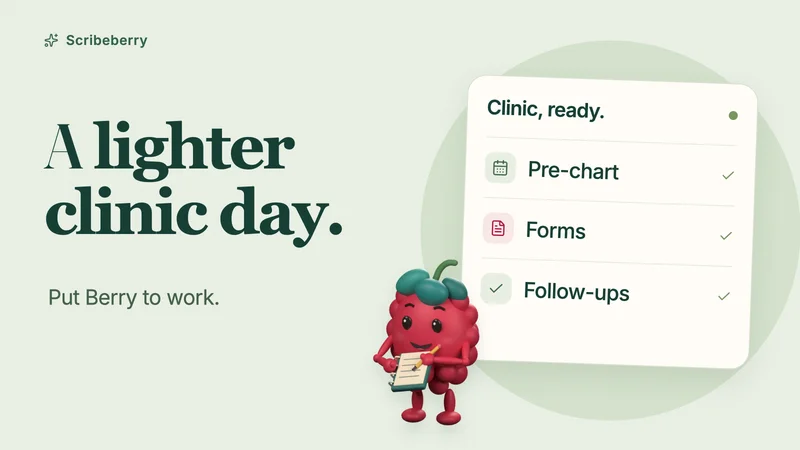
How doctors use Berry, Scribeberry’s healthcare agent
See how doctors put Berry to work: pre-charting, forms, referral faxes, patient follow-ups and Enterprise calendar tools, with iPhone and iPad demos.
-

Product
New Release: Automatic Form-Filling Agents
Scribeberry Agents can call your patients and auto-fill any form, while you focus on care. Just share a phone number or QR code and your agent does the rest…
-
Product
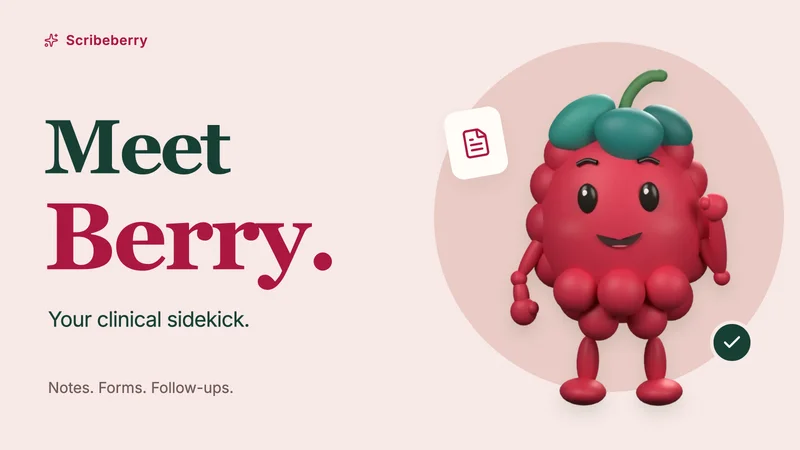
Meet Berry: Scribeberry’s Agent
Meet Berry, Scribeberry’s AI agent for clinical work. Pre-chart your day, prepare forms, send referrals and intakes, and manage follow-up tasks.