

Forms & Templates
Form Filling - Advanced
Scribeberry Form Filling - Advanced is designed for clinics that need deeper control over complex or specialty-specific form workflows.
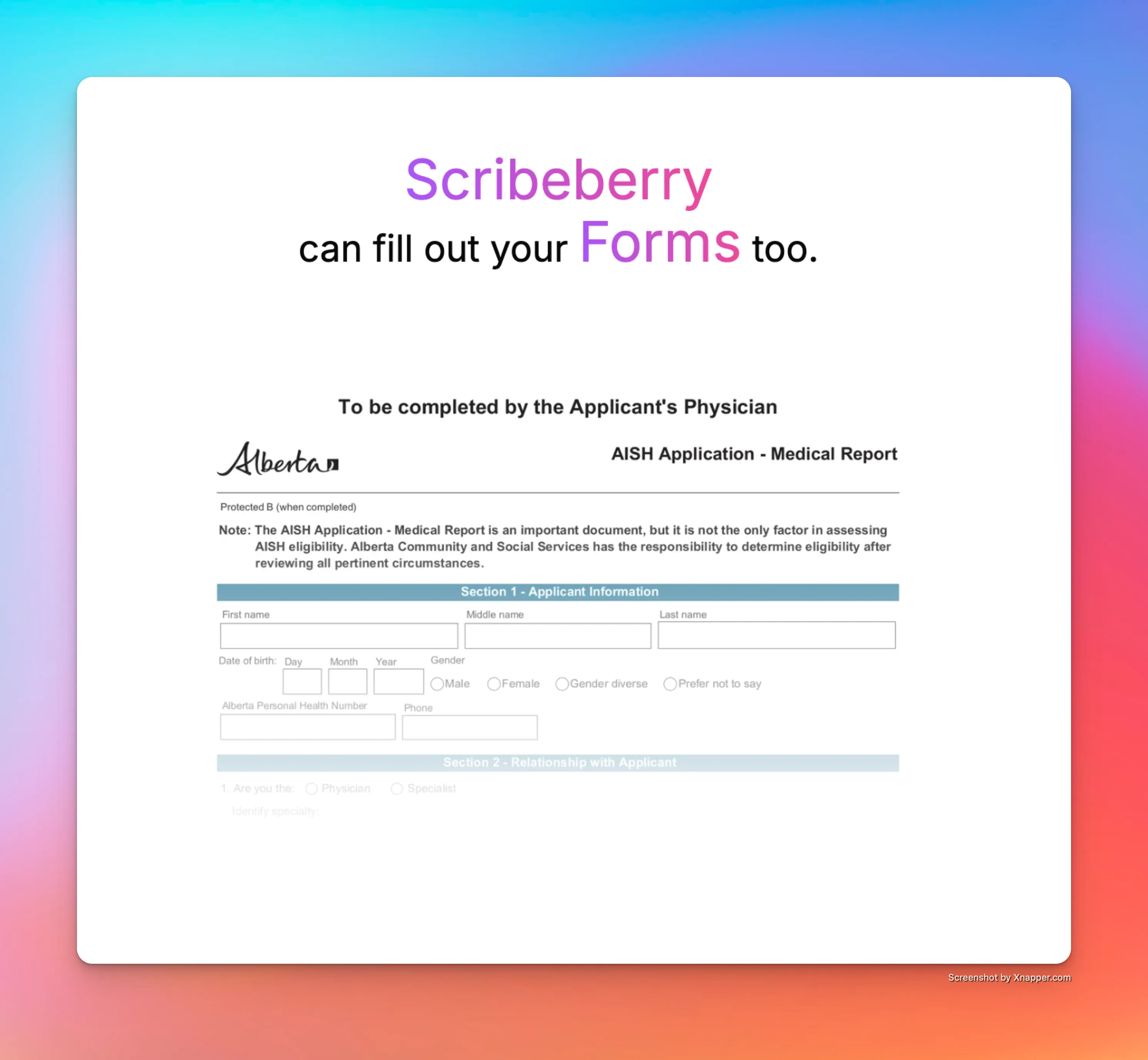
What does Form Filling - Advanced do for documentation workflows?
Form Filling - Advanced gives teams a higher-control workflow for specialized documentation needs. It is suited to situations where forms, terminology, and mapping rules are more complex than standard cases.
How does Form Filling - Advanced fit into your workflow?
Advanced mode combines automated mapping with tighter review control so teams can handle nuanced field logic while keeping throughput high.
- Start with the advanced form workflow for your specialty use case.
- Apply mapped outputs to complex field groups and sections.
- Review specialty-specific terminology and required entries.
- Finalize for submission with clinician oversight.
When should clinics use Form Filling - Advanced?
Advanced mode is best for specialty clinics, complex compliance workflows, and teams that need higher precision across nuanced forms.
- Specialty practices with non-standard documentation patterns.
- Clinics handling advanced referral or compliance forms.
- Teams needing tighter consistency across complicated forms.
Frequently asked questions about Form Filling - Advanced
These FAQs focus on when to choose Advanced Form Filling workflows.
Use it when form complexity or specialty requirements exceed standard form-filling workflows.
Yes. Clinicians review and validate advanced outputs before final submission.
Yes. It is designed to better align with specialty-specific documentation needs.
Ready to use Form Filling - Advanced in your clinic?
Scribeberry helps teams reduce repetitive documentation with AI-powered workflows built for real clinical ops.
More forms & templates

