

Forms & Templates
Templates
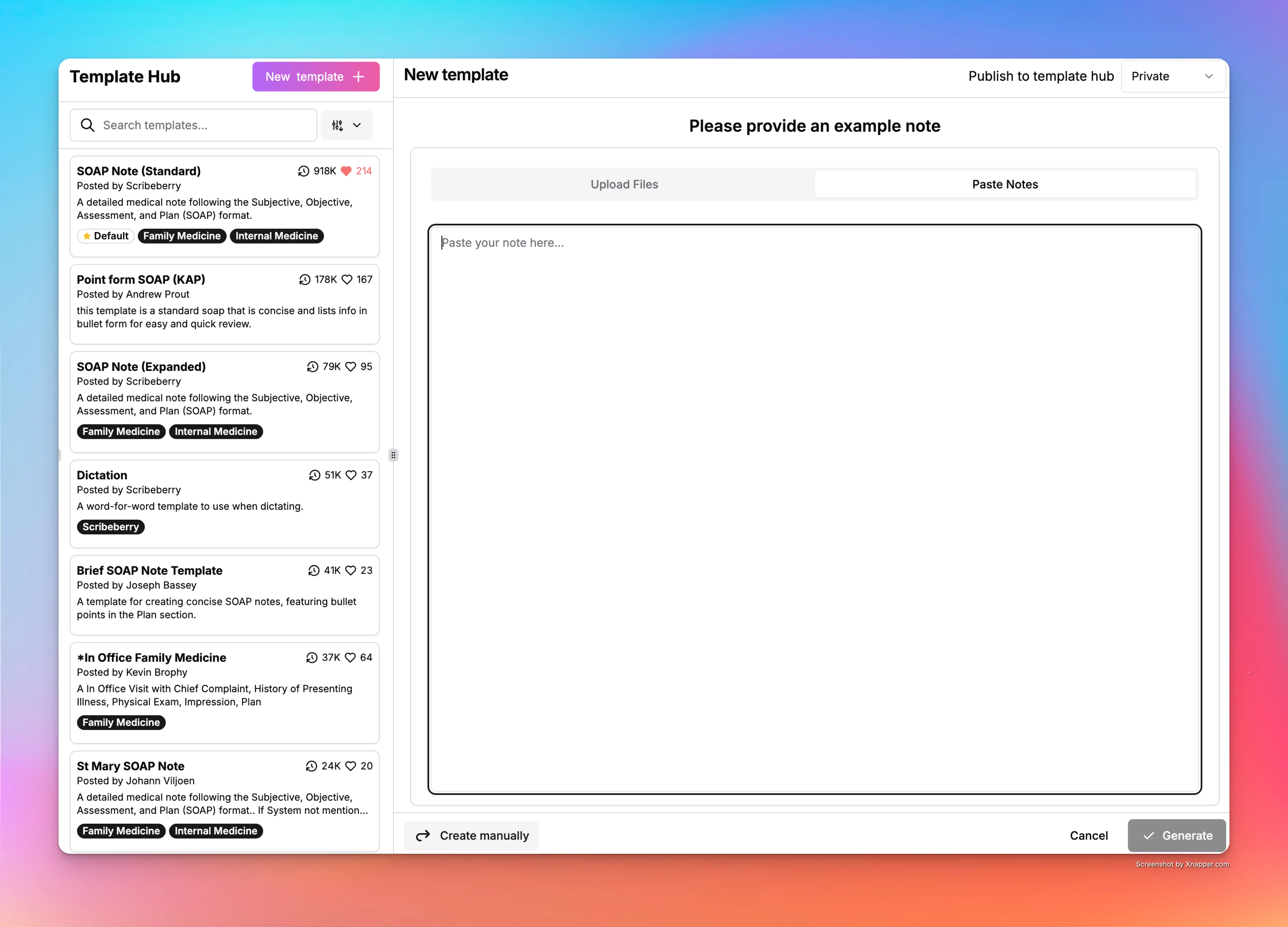
Scribeberry Templates let providers build repeatable note structures so documentation stays consistent across encounters and teams.
What does Templates do for documentation workflows?
Templates reduce note variability by giving clinicians reusable structures for common encounter types. They speed up charting and make documentation style more consistent across providers.
How does Templates fit into your workflow?
Teams create or select a template, apply it during note generation, and then review output for case-specific adjustments. This keeps workflows standardized without losing flexibility.
- Create or select a template for the encounter type.
- Apply the template during note generation.
- Review note output and add patient-specific details.
- Save refinements to improve future documentation.
When should clinics use Templates?
Templates are ideal when clinics need repeatable structure, faster documentation, and consistent chart quality across providers.
- Family medicine visits with recurring note patterns.
- Specialty clinics with strict note format expectations.
- Multi-provider teams standardizing documentation style.
Frequently asked questions about Templates
These FAQs answer common questions about creating and using Templates.
No. Templates provide structure, while clinicians still review and finalize content.
Yes. Shared templates help teams keep documentation format consistent.
Yes. Teams can refine templates as workflows evolve.
Ready to use Templates in your clinic?
Scribeberry helps teams reduce repetitive documentation with AI-powered workflows built for real clinical ops.
More forms & templates

