

Forms & Templates
Form Filling - Multi-page
Scribeberry Form Filling - Multi-page is built for complex multi-page documentation where manual completion is slow and error-prone.
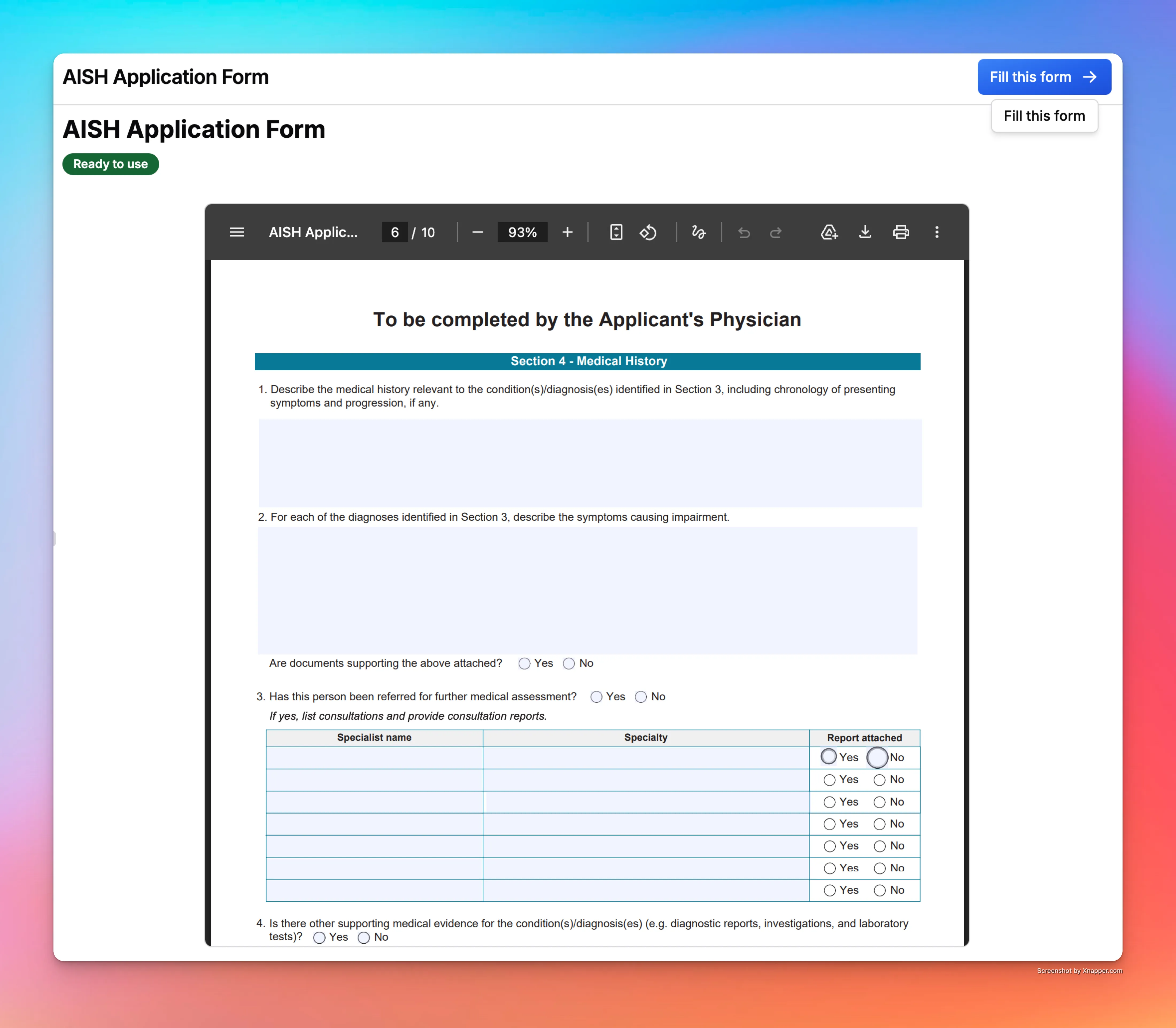
What does Form Filling - Multi-page do for documentation workflows?
Form Filling - Multi-page helps clinics complete long forms by preserving structure and mapping relevant data across many sections. It improves consistency on complex paperwork that spans multiple pages.
How does Form Filling - Multi-page fit into your workflow?
Clinicians upload or select a multi-page form, run extraction and mapping, then review each section before finalizing. The process keeps long-form documentation manageable and traceable.
- Select the multi-page form required for your workflow.
- Run automated mapping across all pages and sections.
- Review each page for completeness and clinical accuracy.
- Finalize and export the completed form.
When should clinics use Form Filling - Multi-page?
This feature is useful for complex administrative workflows where form length and repeated sections increase manual burden.
- Disability and government forms with many required fields.
- Specialty workflows with multi-section documentation packets.
- Teams standardizing completion quality across large forms.
Frequently asked questions about Form Filling - Multi-page
The following FAQs explain where Multi-page Form Filling provides the most impact.
It is optimized for longer forms with multiple sections and page-level structure, making large forms easier to complete accurately.
Yes. Teams can review each section before finalizing the completed multi-page form.
Yes. Structured mapping across pages helps reduce omissions in long forms.
Ready to use Form Filling - Multi-page in your clinic?
Scribeberry helps teams reduce repetitive documentation with AI-powered workflows built for real clinical ops.
More forms & templates

