


How to automatically generate notes from a live-patient conversation

A few weeks ago, something strange happened. I’m still unclear if I’m living in a simulation or if my son is going to whack me over the head to wake me up from this beautiful dream.
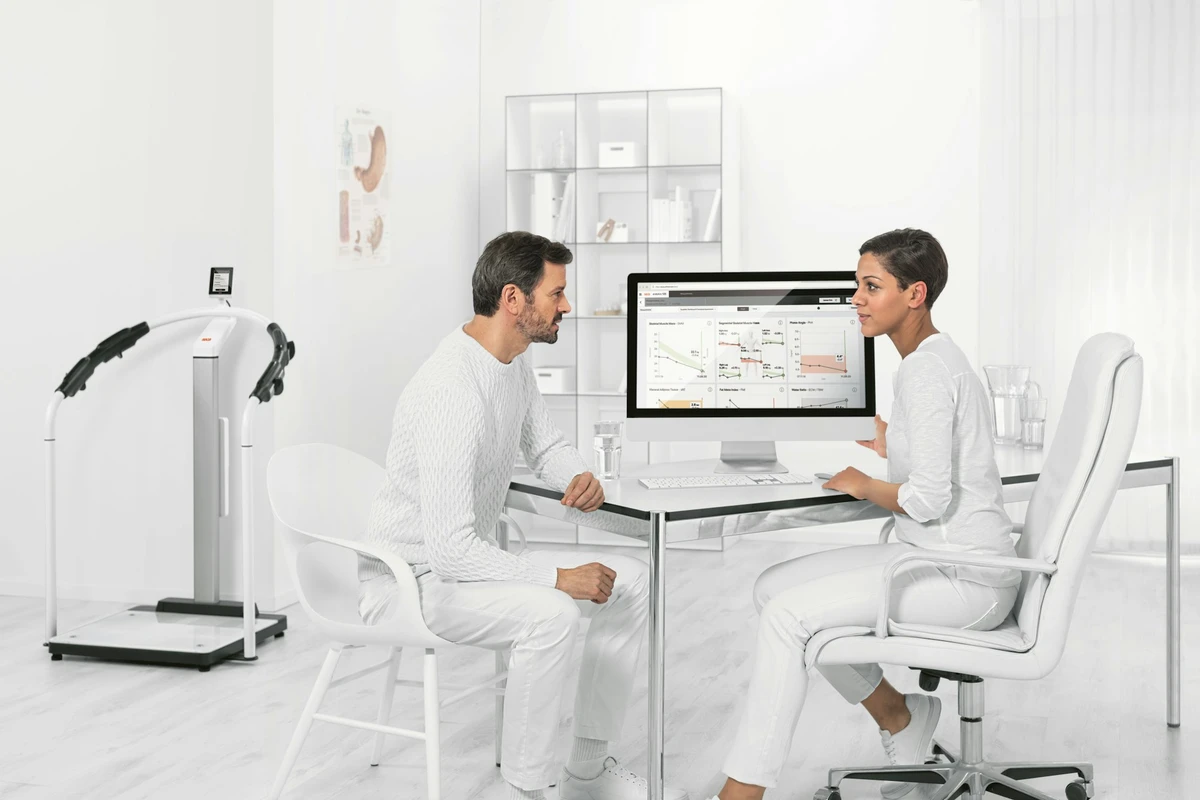
I have been feeling really good about my patient encounters ever since I started using Scribeberry. I’ve been able to give my complete and wholehearted attention to my primary care patients. I haven’t been racing in my mind trying to come up with differential diagnoses, nor running to my laptop to make sure I captured notes, and certainly not scarfing down samosas between patients! No, instead, I’ve been calm, more alert, more compassionate, and just more there for my patients.
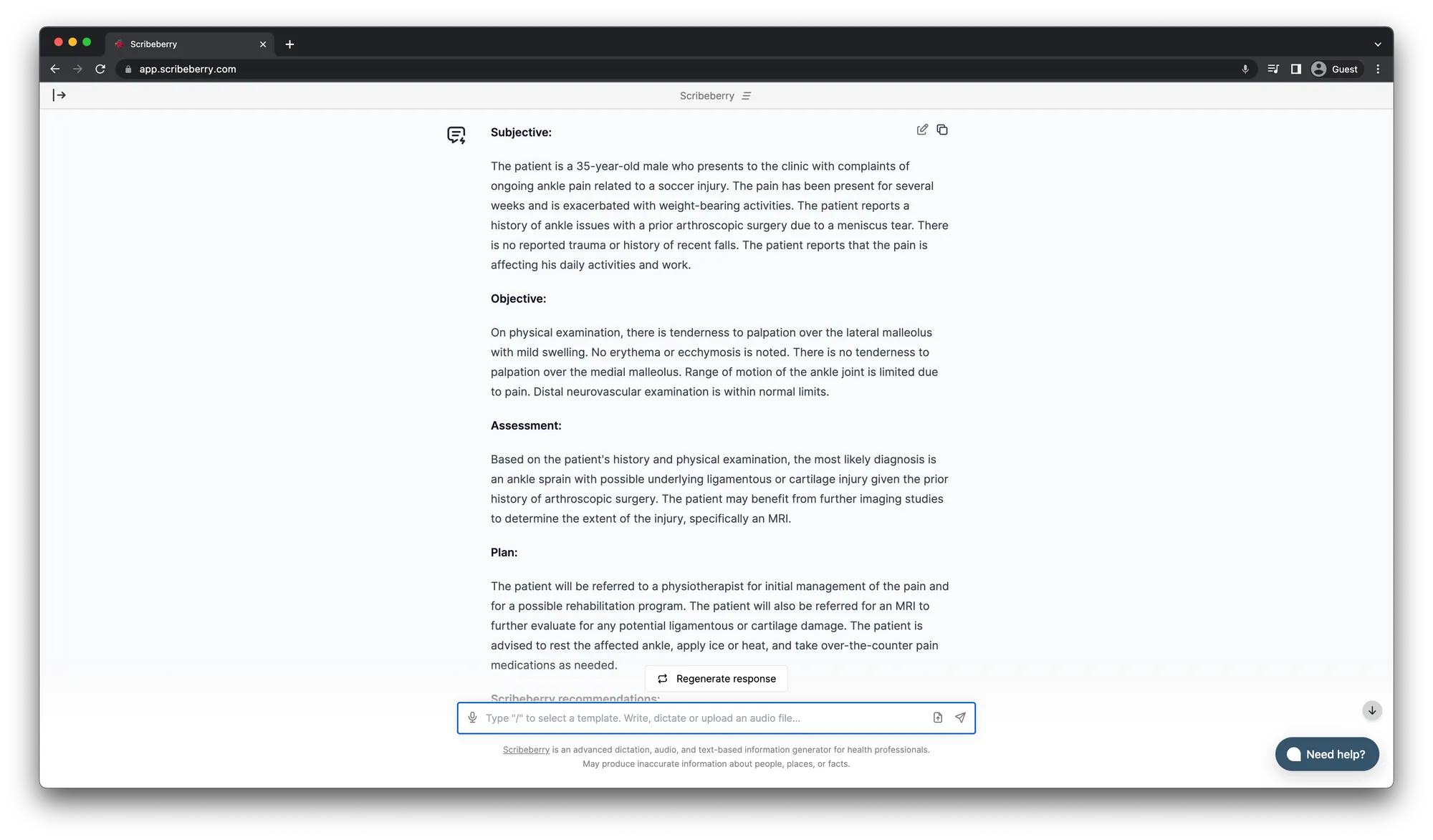
I press a button, and Scribeberry records my conversation and generates my notes for me. This gives me so much time back during and after my clinics to spend time practicing actual medicine. It’s been a real game changer and I’ll teach you how you can experience this serenity too.
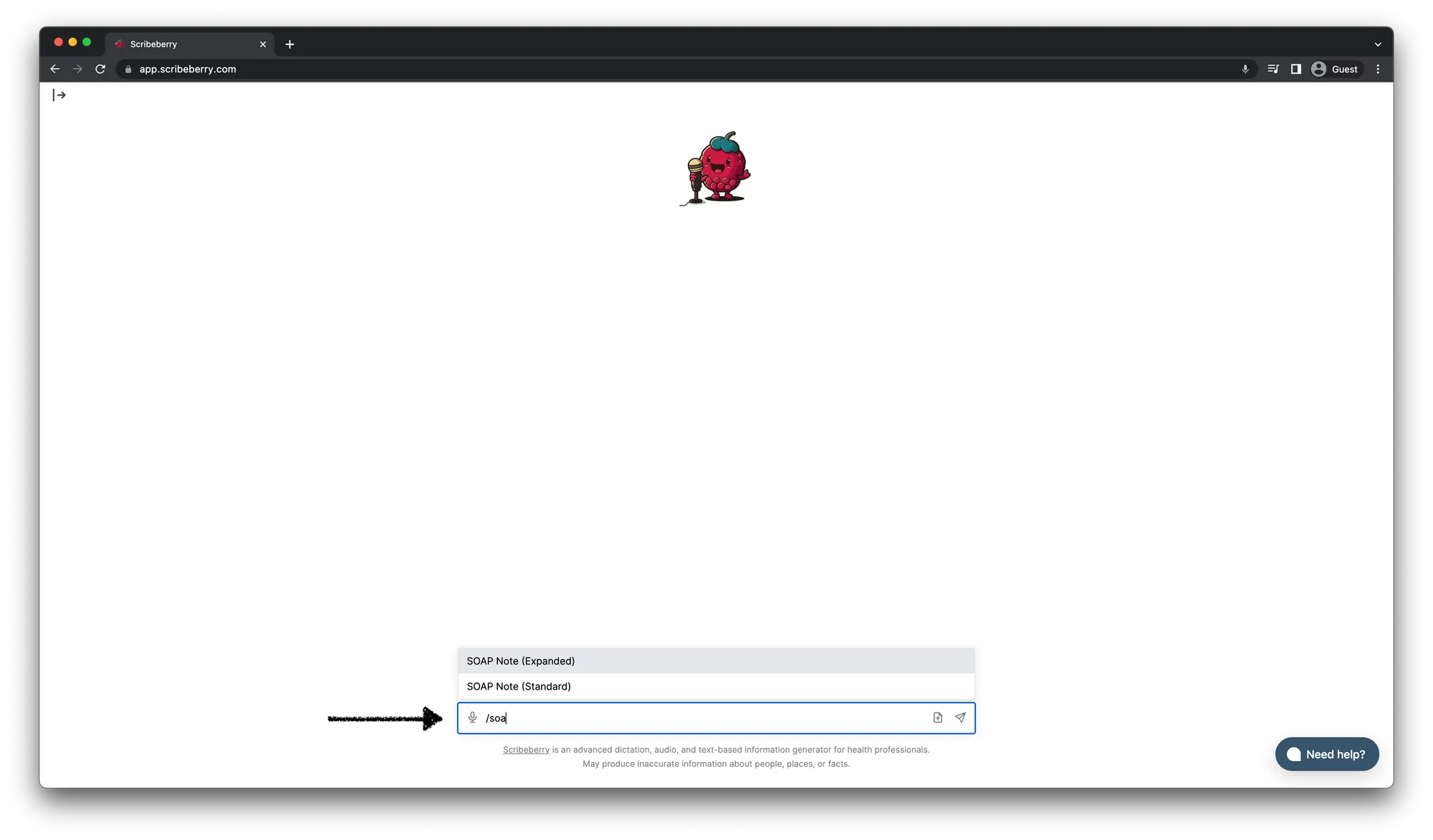
1. Go to app.scribeberry.com
2. Choose a medical template
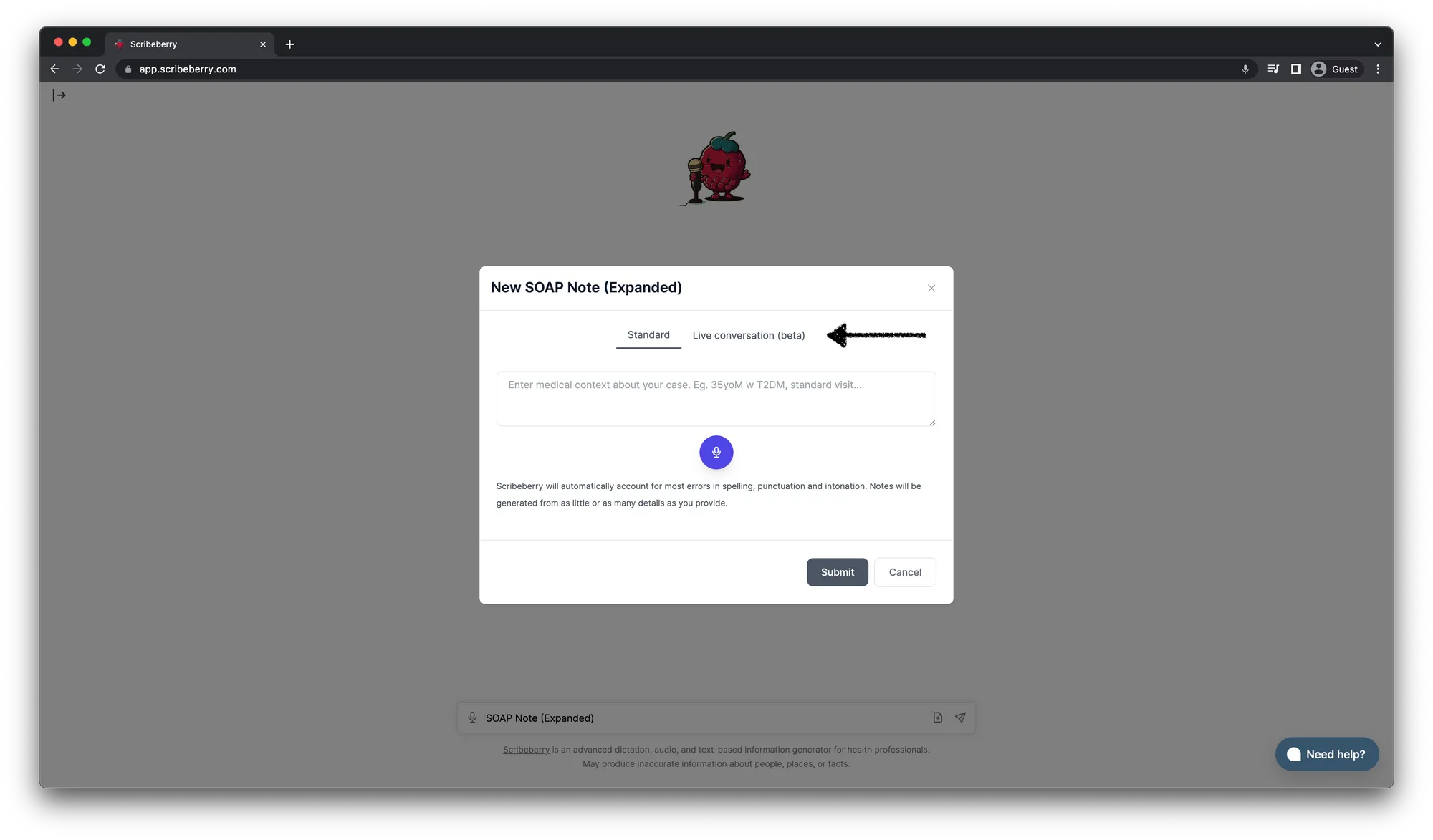
3. Click the Live Conversation tab
4. Record
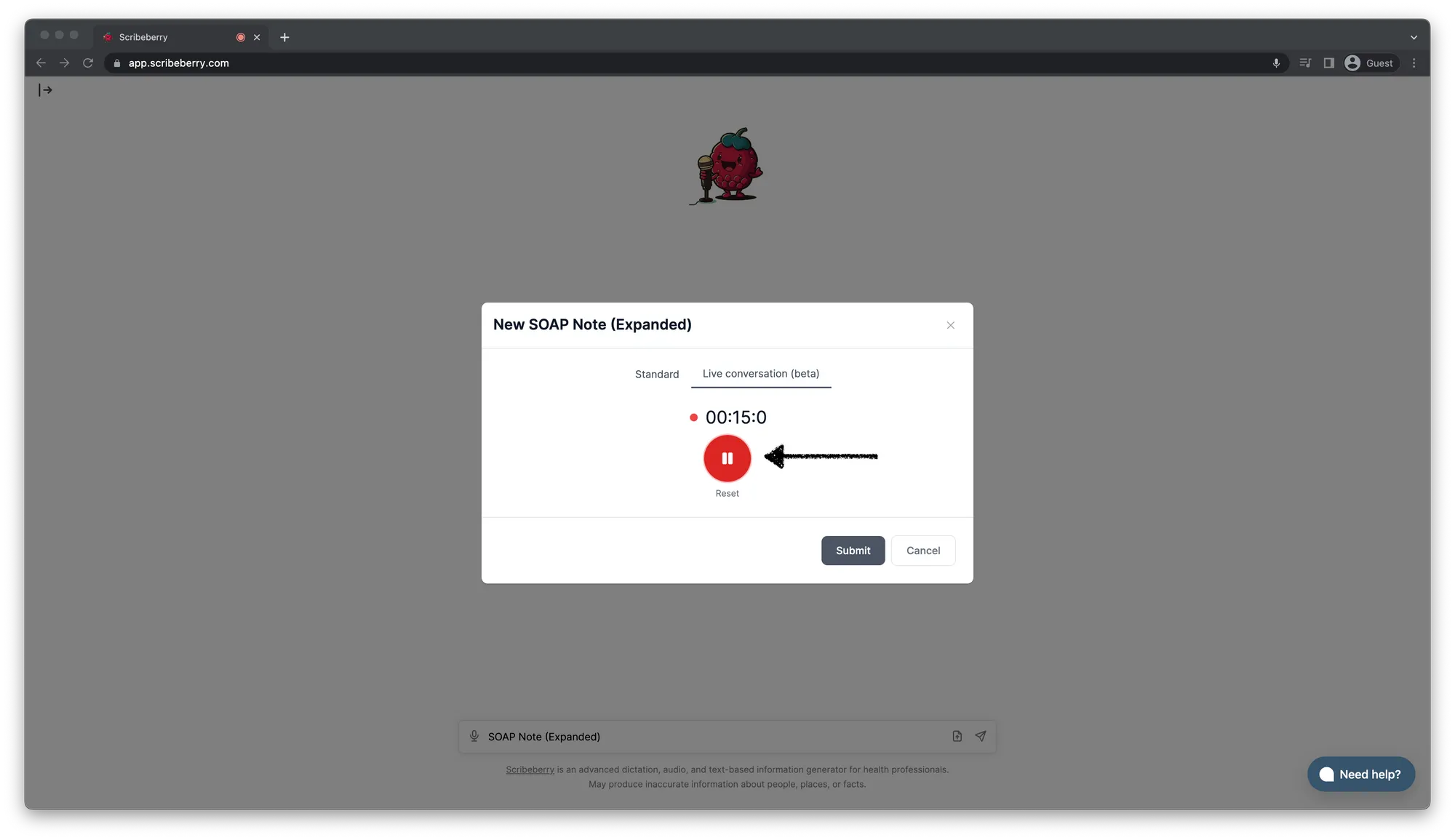
5. When finished, hit Submit
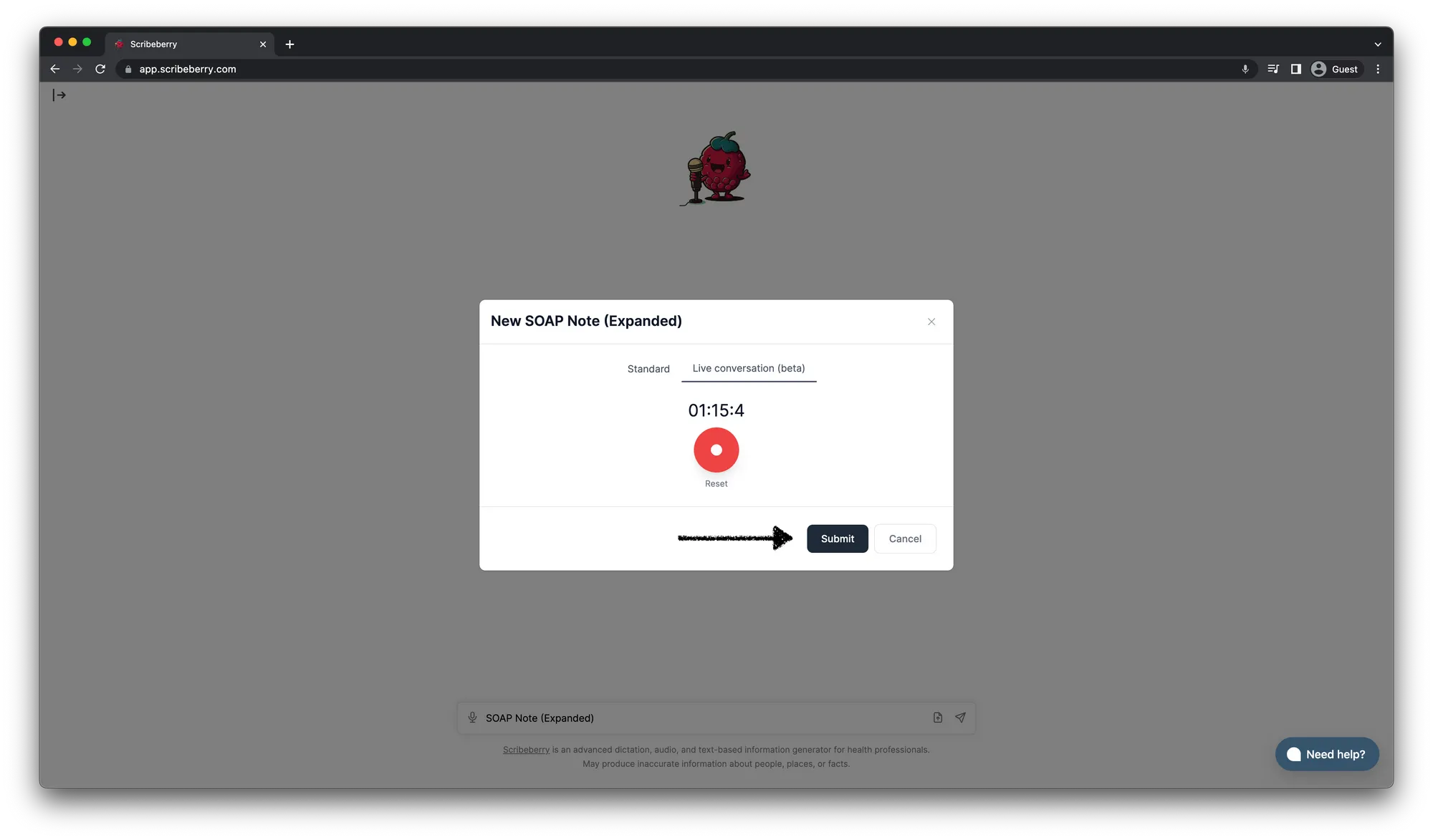
6. Sit back and watch
Physician burnout is a real problem and this one workflow alone has reduced so much of my daily anxiety. You may think that because I’m a co-founder I’m biased, that’s probably true but I helped build this tool to help solve my own problems. I was burnt out, I was anxious, I was stressed. I’ve solved these problems. Now, I get to practice medicine the way I hoped I would.

More on topic
-
Product
Meet Berry: Scribeberry’s Agent
Meet Berry, Scribeberry’s AI agent for clinical work. Pre-chart your day, prepare forms, send referrals and intakes, and manage follow-up tasks.
-
Product
What is Meta’s Muse? And why we call Berry ‘Muse for healthcare’
Meta’s Muse turns requests into action. Here’s what it does, how it works, and how Berry brings that idea to clinical work—with real posts and product demos.
-
Product
New Release: Automatic Form-Filling Agents
Scribeberry Agents can call your patients and auto-fill any form, while you focus on care. Just share a phone number or QR code and your agent does the rest…