


Introducing Scribeberry's V2: Reduced Errors, Improved Detail, Template Sharing + More


In this article 4 sections
Dear fellow scribers,
Today, we’re thrilled to announce the launch of version 2 for Scribeberry, a major upgrade packed with new features and a refined layout. We know it’s been a minute since our last update, and we appreciate your patience. This new update is jam packed with improvements based on all your wonderful feedback, so thank you!
Here’s what’s new:
Advanced Mode
Based on invaluable feedback from psychiatrists, developmental pediatricians, geriatricians, and other specialists who require detailed documentation, we’ve developed an Advanced Mode. This feature empowers you to create comprehensive, multi-page consults without missing crucial details.
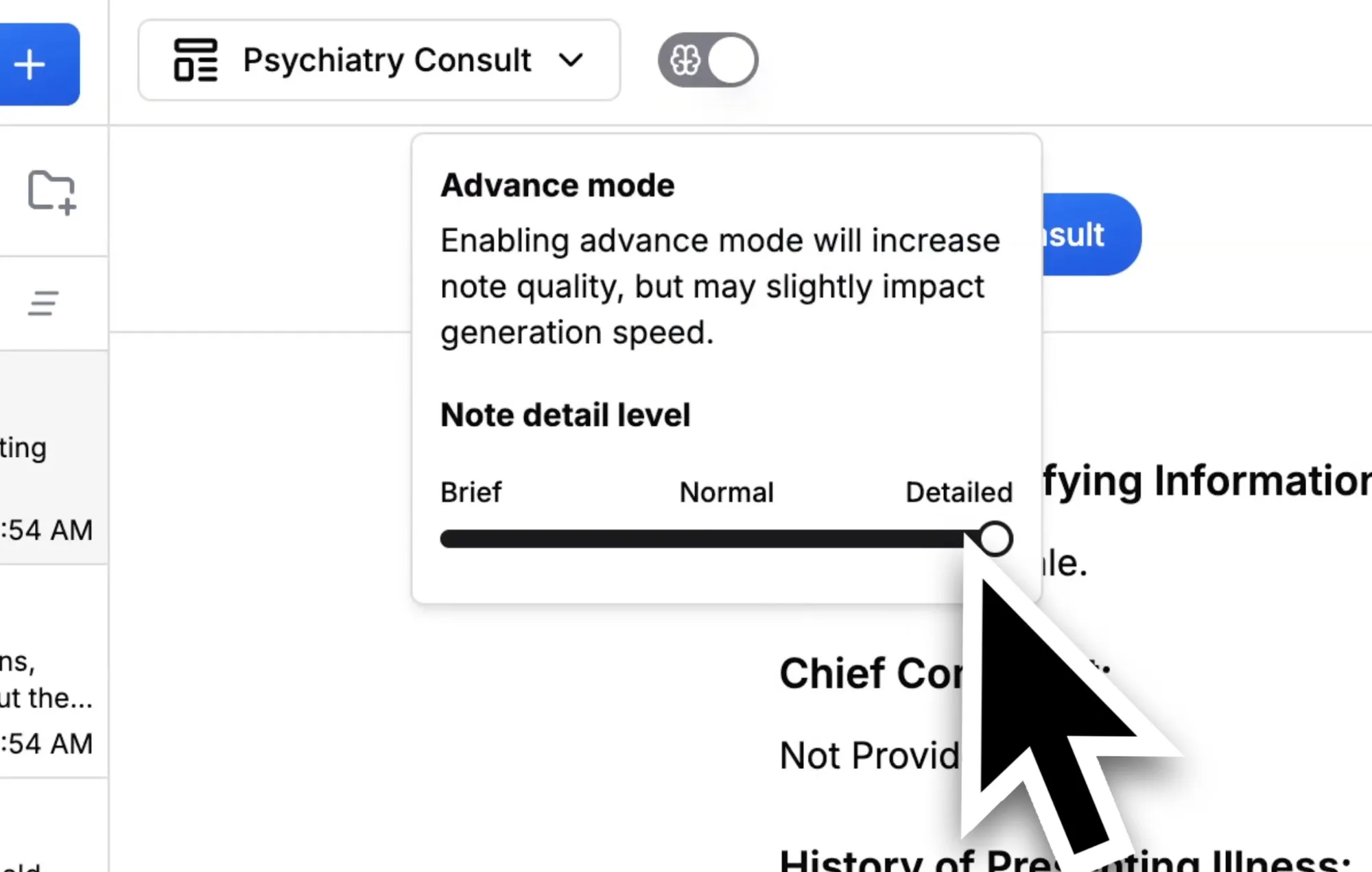
When Advanced Mode is activated, our proprietary algorithm significantly enhances the quality of your notes, reduces potential inaccuracies, and, if desired, substantially increases the level of detail. The trade-off is a slightly longer note generation time, approximately 8 seconds more.
This archived video is no longer available.
Explore current Scribeberry tutorials →Don’t just take our word for it, see the difference below. We’ve provided two notes created using the exact same sample transcript for your comparison.
Case study
Sample transcript for comparison (archived download no longer available)
Consult generated without advanced mode (archived download no longer available)
Consult generated with advanced mode (archived download no longer available)
Template Hub + Previews
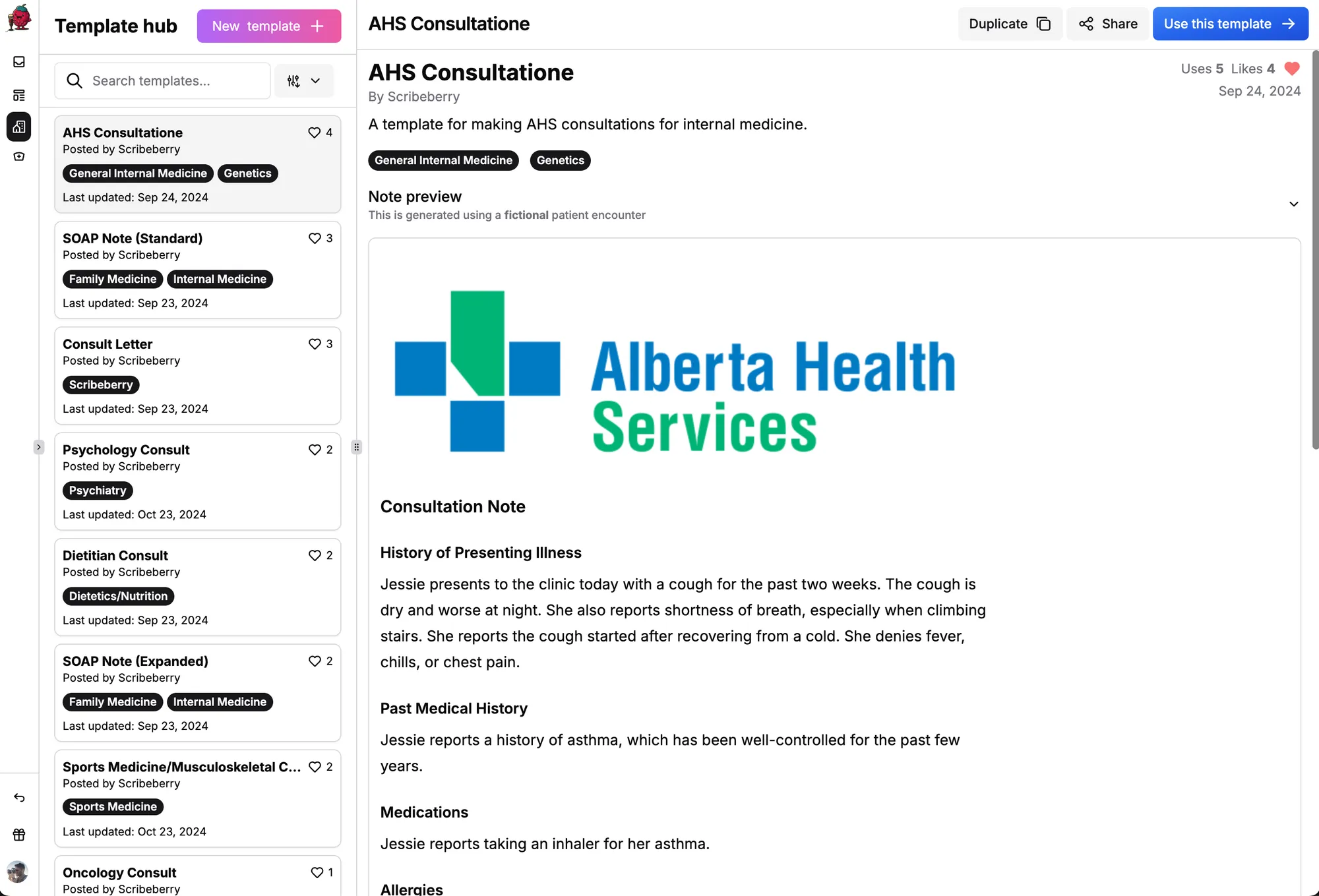
Introducing the Template Hub! You can now share your templates globally and access those shared by other users. Preview templates during creation, and feel free to duplicate and modify Scribeberry’s own templates to suit your needs.
Password Logins
For added security, we’ve launched password logins. If you don’t have a password yet, please set one up using the password reset button on the login page. You can still use Google logins if you prefer.
A Simpler, Refined UI/UX
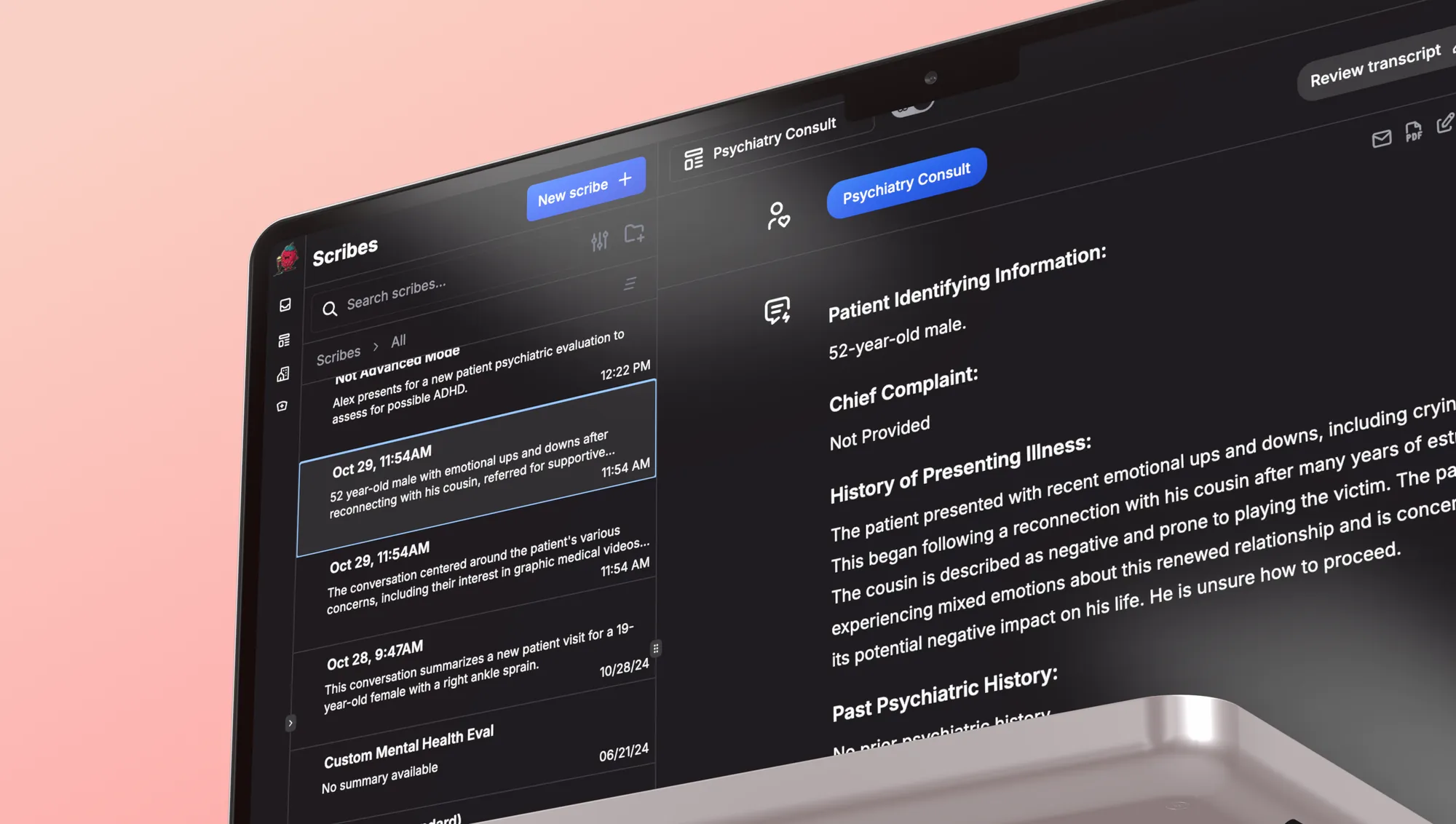
We’ve redesigned the user interface for a more intuitive experience. Here’s a high-level summary of the changes:
- Unified Interface: No more pop-ups or modals for note input, everything is now on one screen.
- Light/Dark Mode: Switch between light and dark themes based on your preference.
- Enhanced Mobile Experience: Improved UI/UX on mobile devices for ease of use.

- Upgraded Scribe Management: Better storage, sorting, and functionality for your notes.
- Dedicated Sidebar: A new left-hand sidebar for easy access to the Template Hub and creation tools.
We hope these updates enhance your experience with Scribeberry. We have a lot more coming. As always, your feedback is invaluable to us, and we look forward to hearing your thoughts.
👩⚕️
Scribeberry is the most trusted AI platform across all medical workflows.

More on topic
-
Product
Meet Berry: Scribeberry’s Agent
Meet Berry, Scribeberry’s AI agent for clinical work. Pre-chart your day, prepare forms, send referrals and intakes, and manage follow-up tasks.
-
Product
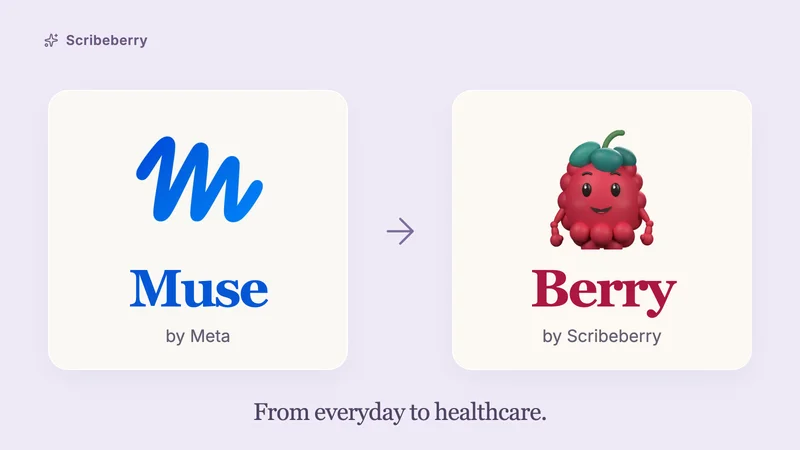
What is Meta’s Muse? And why we call Berry ‘Muse for healthcare’
Meta’s Muse turns requests into action. Here’s what it does, how it works, and how Berry brings that idea to clinical work—with real posts and product demos.
-

Product
New Release: Automatic Form-Filling Agents
Scribeberry Agents can call your patients and auto-fill any form, while you focus on care. Just share a phone number or QR code and your agent does the rest…