

AI Tools
Ask Scribeberry
Scribeberry Ask Scribeberry gives clinicians instant AI assistance during documentation so they can resolve questions without breaking workflow.
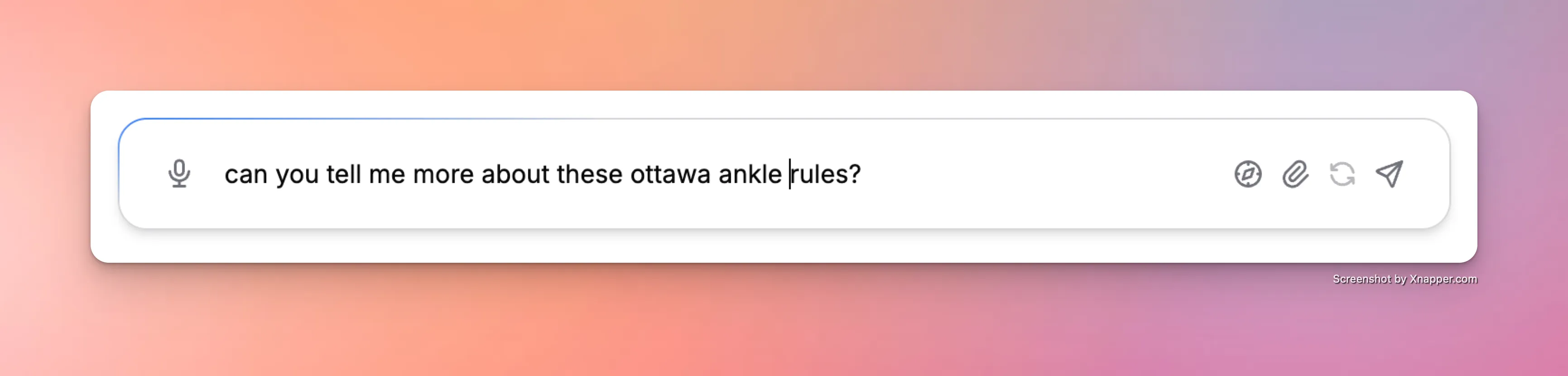
What does Ask Scribeberry do for clinical workflows?
Ask Scribeberry provides contextual AI support during charting to help with phrasing, structure, and workflow clarity. It reduces interruptions and keeps documentation momentum.
How does Ask Scribeberry fit into your workflow?
Clinicians ask a question during an encounter or while drafting notes, review the AI response, and apply the answer with clinical judgment.
- Open Ask Scribeberry within your documentation workflow.
- Ask a focused question about charting or note content.
- Review the AI response in context.
- Apply the answer and finalize documentation with clinician review.
When should teams use Ask Scribeberry?
This tool is best when clinicians need quick guidance without leaving the encounter documentation flow.
- Clarifying note phrasing while charting in real time.
- Resolving quick workflow questions during busy clinics.
- Supporting newer team members with in-context guidance.
Frequently asked questions about Ask Scribeberry
These FAQs explain when and how to use Ask Scribeberry effectively.
It is used for fast, in-workflow AI guidance during documentation.
No. Clinicians remain responsible for final documentation decisions.
Yes. It keeps support inside the charting workflow.
Ready to use Ask Scribeberry in your clinic?
Scribeberry helps teams move faster with practical AI assistance across charting, coding, and documentation.
More AI tools

