

AI Tools
Billing Code Lookup
Describe the visit in plain language and Scribeberry searches your provincial fee schedule for the codes that fit. Ontario, BC, Alberta, Saskatchewan and Manitoba are supported today.
Billing Code Lookup at a glance
- Where
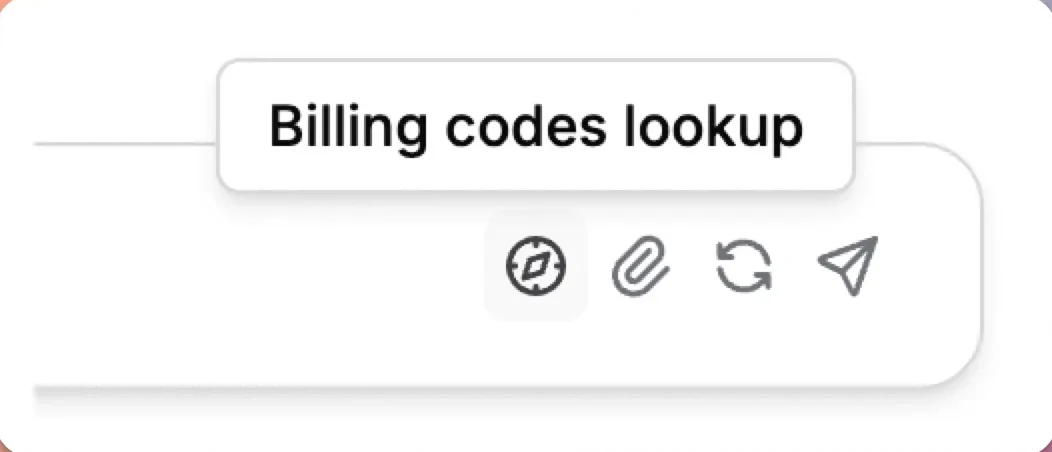
- Ask Scribeberry chat bar, via the compass ("Billing codes lookup") button
- Ontario
- Schedule of Benefits
- British Columbia
- MSP Fee Schedule
- Alberta
- Schedule of Medical Benefits (SOMB)
- Saskatchewan / Manitoba
- Payment Schedule / Physician's Manual
- Quebec
- RAMQ not yet available
What does Billing Code Lookup do for clinical workflows?
Billing Code Lookup searches your provincial physician fee schedule from inside Scribeberry. In the Ask Scribeberry chat bar, click the compass button ("Billing codes lookup"), describe the service, such as "intermediate assessment, 20 minutes counselling", and Scribeberry returns candidate codes from your province's schedule. Supported schedules are Ontario's Schedule of Benefits, BC's MSP Fee Schedule, Alberta's SOMB, Saskatchewan's Payment Schedule and Manitoba's Physician's Manual. Quebec (RAMQ) is not yet available.
How does Billing Code Lookup fit into your workflow?
Billing lookup lives in the same chat bar you use for the note, so codes are a click away when the visit ends.
- Set your Default Province in Settings under Billing Codes (or choose it the first time you search).
- In the Ask Scribeberry chat bar, click the compass button to switch to billing lookup.
- Describe the service: visit type, time, procedures and setting.
- Review the suggested codes against your fee schedule and bill as usual.
When should teams use Billing Code Lookup?
Billing lookup helps most with codes you don't use every day.
- Less common procedures, premiums and time-based codes.
- New graduates and locums learning a province's schedule.
- Clinicians moving between provinces with different fee schedules.
Why search the fee schedule from your scribe?
Provincial fee schedules are long, dense documents, and the right code often depends on details such as time spent, setting and whether a procedure was performed. Searching them by hand at the end of a visit is slow, so clinicians tend to default to the few codes they remember, which can mean under-billing.
Billing Code Lookup lets you search in plain language right where the visit is documented, and returns candidate codes from your province's actual schedule.
How should you describe a visit for the best results?
The more specific the description, the better the match.
- Include the visit type: assessment, consult, follow-up or virtual.
- Include time when it matters, such as counselling or psychotherapy minutes.
- Name procedures performed, such as an injection, biopsy or ECG interpretation.
- Mention the setting if relevant: office, hospital, long-term care or after hours.
What does billing lookup look like after a visit?
Illustrative example
An Ontario family physician finishes a 25-minute visit for depression follow-up, most of it counselling. She clicks the compass in the chat bar and types "office visit, depression follow-up, 20 minutes counselling".
Scribeberry returns candidate Schedule of Benefits codes for the counselling time and the assessment. She checks the time requirements and bills through her usual system.
What should you know before relying on billing lookup?
- Suggestions are not billing advice. Confirm conditions and exclusions in the current schedule.
- Quebec (RAMQ) lookup is not yet available.
- Scribeberry does not submit claims to provincial plans.
- Set your Default Province so results come from the right schedule.
Frequently asked questions about Billing Code Lookup
Answers about provinces, accuracy and what the lookup does not do.
Ontario (Schedule of Benefits), British Columbia (MSP Fee Schedule), Alberta (SOMB), Saskatchewan (Payment Schedule) and Manitoba (Physician's Manual). Quebec (RAMQ) is not yet available.
No. Billing Code Lookup suggests codes. You choose what to bill and submit through your usual billing system.
Change your Default Province in Settings under Billing Codes. If none is set, Scribeberry asks you to pick one when you first search.
Use them as a starting point. Fee schedules have conditions, time requirements and exclusions, so confirm each code against the current schedule before billing.
Ready to use Billing Code Lookup in your clinic?
Scribeberry helps teams move faster with practical AI assistance across charting, coding, and documentation.

